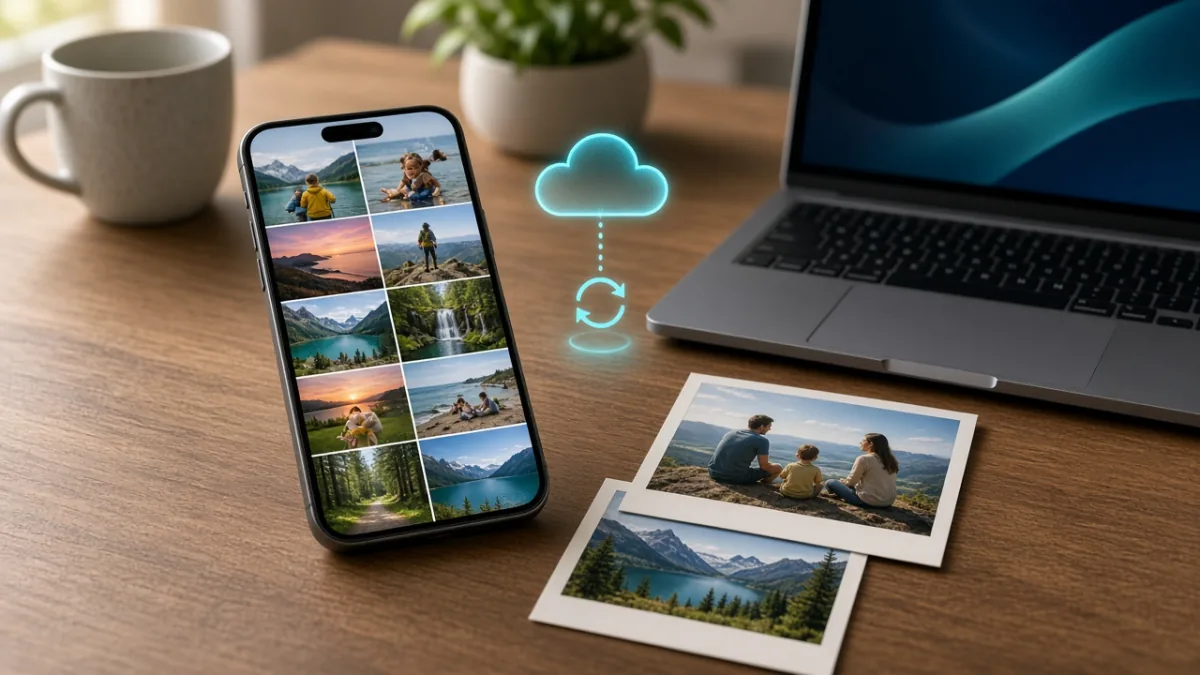
To back up phone photos reliably, turn on automatic cloud upload and keep a second independent copy on a computer or external drive. Always verify that recent photos and videos exist in both places before deleting anything from your phone—because cloud syncing alone is not the same as a permanent archive.
To update Windows safely, back up important files, check free disk space, connect your PC to reliable power, and install updates through Windows Settings. Restart when prompted, test your essential apps, and use built-in recovery tools if an update causes issues.
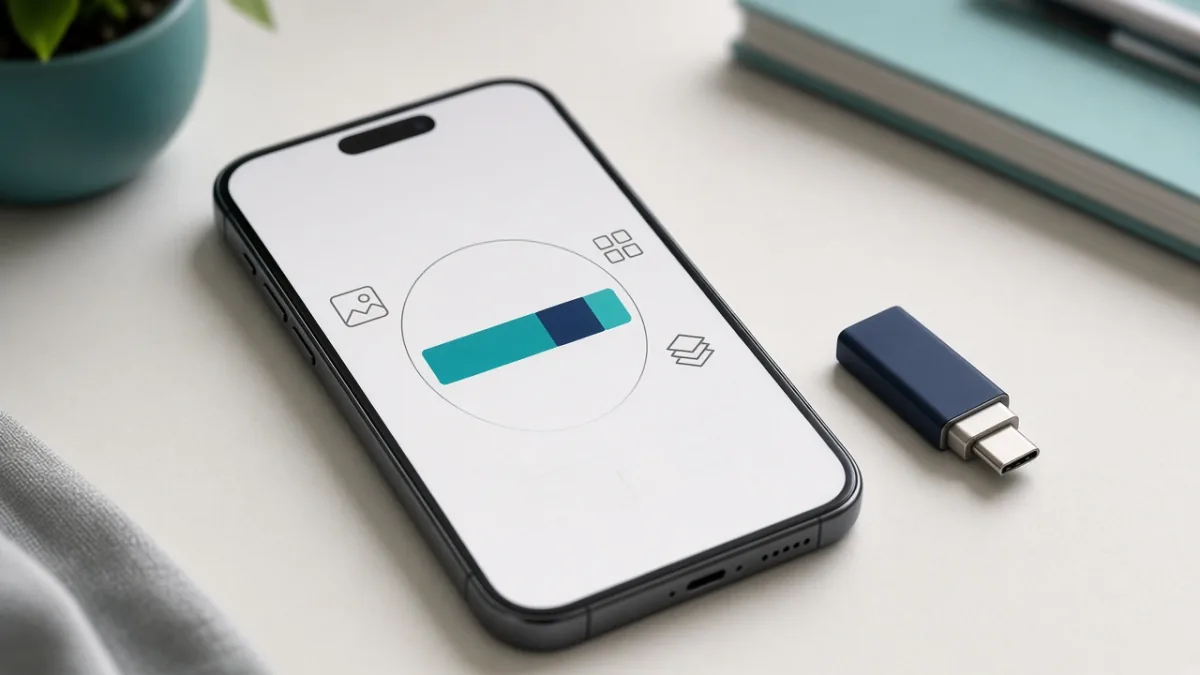
When your phone warns that storage is full, start by checking which category uses the most space. Reclaim gigabytes safely by clearing temporary app cache, removing large messaging attachments and offline downloads, and verifying cloud backups before deleting local photos.