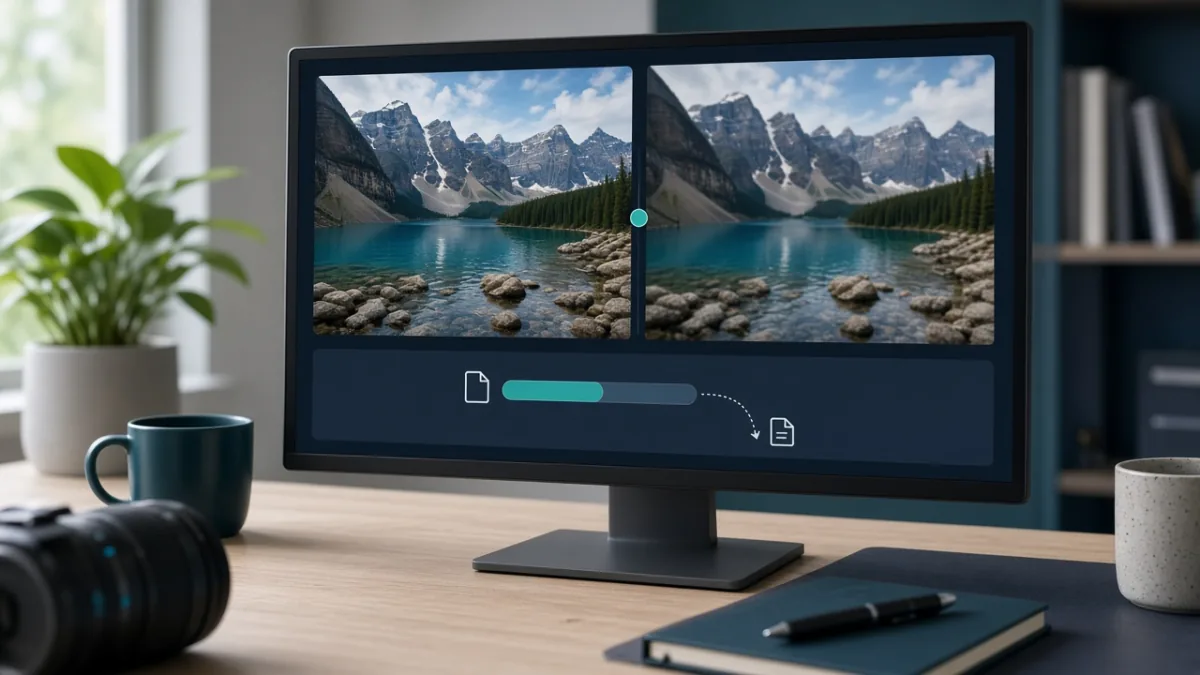
The fastest way to compress images online without making them look blurry is to resize pixel dimensions first, pick the right file format (JPG, PNG, or WebP), and apply a single moderate compression pass. Before uploading private photos or IDs, always check whether the compressor processes files locally in your browser or uploads them to a remote server.
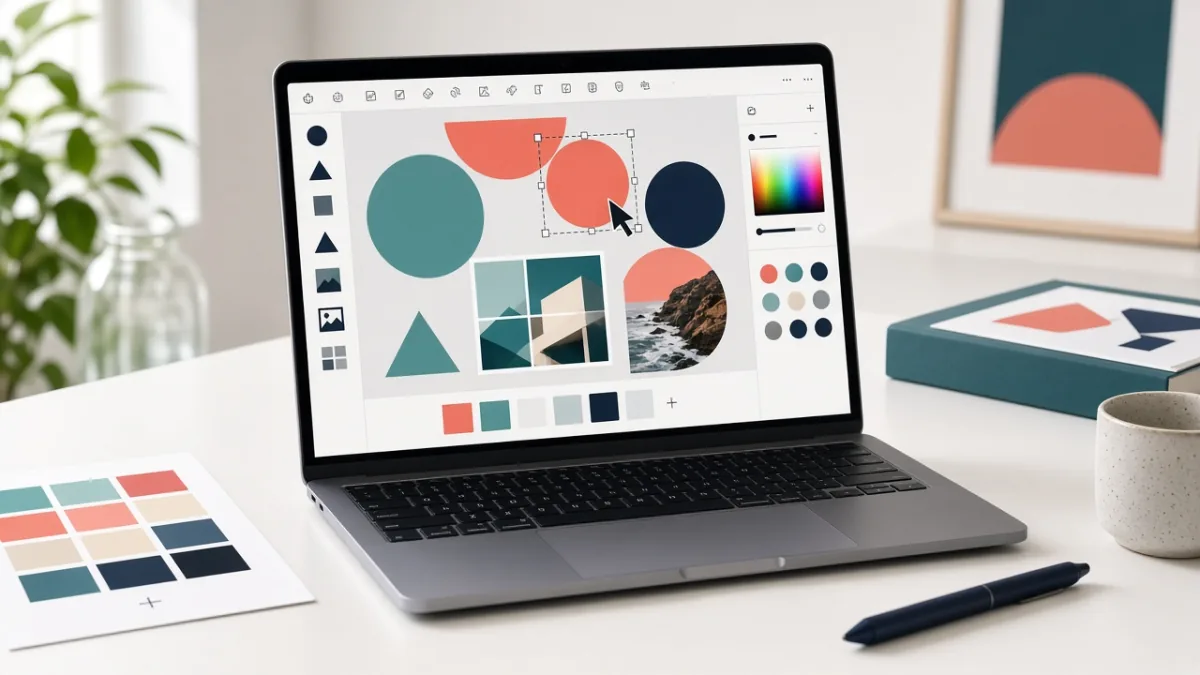
Canva Free lets you create social media posts, flyers, presentations, and posters right in your browser or phone app without learning complex design software. By starting with a free template, sticking to two fonts and high contrast, and replacing any element marked with a Pro crown icon, you can finish and download a polished design in 10 minutes at zero cost.