



Anime Sub vs Dub: Which Should You Choose? (Beginner's Guide Without the Debate)
The anime "sub vs. dub" choice comes down to how you want to experience a story in a specific moment: "sub" preserves the original Japanese voice performance with translated on-screen subtitles, while "dub" replaces the audio track with a localized voice performance in your language. Instead of picking one side forever, matching your audio setting to the show's pace, your energy level, and your viewing setup gives you the best experience every time.
On this page3
What Do Sub, Dub, Localization, and Simuldub Mean?
Subbed vs. Dubbed Anime Compared Across 7 Practical Factors
Neither format is automatically more "authentic" or accurate—both involve translation choices shaped by screen space or lip-sync timing. Compare how they fit your viewing session:
| Viewing Factor | Subbed Anime (Original Audio + Subtitles) | Dubbed Anime (Localized Voice Track) | When It Wins |
|---|---|---|---|
| Voice Performance | Preserves the original director-approved Japanese voice acting and vocal cadence | Delivers emotional tone directly in your native or preferred spoken language | Sub for original vocal nuance; Dub for immediate spoken connection |
| Reading & Eye Focus | Requires splitting visual attention between the bottom third of the screen and the animation | Frees your eyes to stay 100% focused on background art, facial expressions, and action | Dub wins during visually busy fights or when your eyes feel tired |
| Release Speed & Library Size | Available immediately on simulcast release day for almost every licensed title | Available on major hits and classics, though some niche or older titles are sub-only | Sub wins for watching brand-new weekly seasonal episodes first |
| Comedy & Wordplay | Keeps Japanese honorifics (-san, -senpai) and rhythm, though fast text jokes can pass quickly | Localizes jokes and comedic timing into natural spoken punchlines | Tie—depends on whether the comedy relies on Japanese wordplay or rapid banter |
| Casual / Second-Screen Viewing | Looking away for 5 seconds means rewinding to read missed plot lines | Easy to follow while eating dinner or folding laundry | Dub wins whenever your eyes cannot stay glued to the screen |
| Accessibility | Ideal for deaf or hard-of-hearing viewers and quiet late-night viewing | Essential for viewers with dyslexia, visual fatigue, or reading difficulties | Choose based on visual vs. auditory comfort |
| Group & Family Watch | Works well when everyone in the room reads at a comfortable adult pace | Easier for mixed-age family rooms or younger viewers who read slowly | Dub is usually smoother for group living-room movie nights |
How to Test Sub vs. Dub Fairly & Configure Your Player Settings
- Use the 10-Minute Episode 1 Test: Watch the first 10 minutes of Episode 1 in Subbed mode, then replay a 2-minute dialogue scene in Dubbed mode (if available) to see which voice cast and rhythm clicks with you.
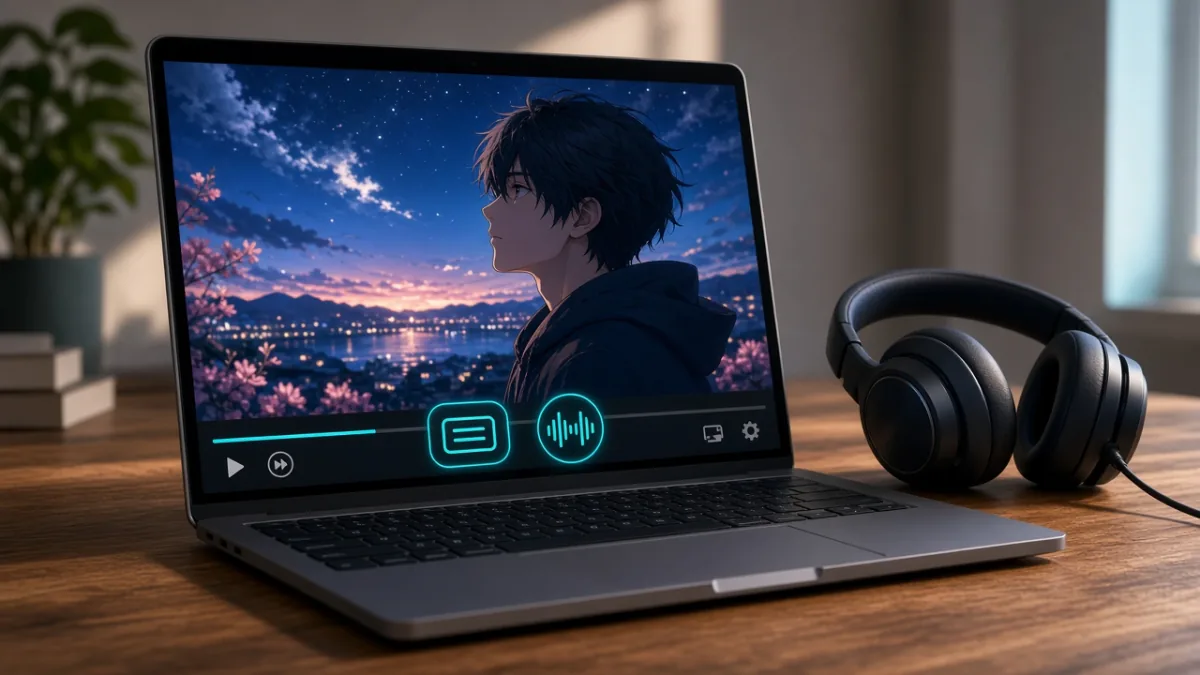
- Switch Audio & Subtitles in the Player Menu: Start playback, tap the speech-bubble or gear icon on your phone, TV, or web player, and select your preferred Audio track and Subtitle language independently.
- Customize Subtitle Readability on TV & Mobile: Open your streaming app or device Accessibility settings to set medium-to-large white or yellow text with a semi-transparent dark drop shadow or background box so white subtitles never disappear against bright sky scenes.
- Check Language Persistence After Episode Changes: Confirm that your app remembers your chosen audio/subtitle pair when auto-playing Episode 2 or downloading episodes for offline travel.
- Use the 4-Step Replay Routine for Language Learning: If you use anime to practice Japanese listening, watch a 2-minute scene with subtitles in your language first, replay it listening for repeated phrases, look up 1–2 common expressions, and watch a final time without pausing.
Frequently Asked Questions
What is the difference between subbed and dubbed anime?
Subbed anime keeps the original Japanese voice acting and displays translated text at the bottom of the screen. Dubbed anime replaces the original audio track with voice actors performing the dialogue in another language such as English, Arabic, or Spanish.
Is subbed anime more accurate than dubbed anime?
Not automatically. Both subtitles and dubs are adaptations: subtitles must condense lines so viewers can read them in two seconds, while dubs must match the timing of the character's mouth movements. Both aim to convey the scene's true meaning and emotion.
What does "simuldub" mean in anime?
A simuldub is an official dubbed version released during the same broadcast season as the original Japanese television airing—sometimes on the exact same day or within two to three weeks—rather than months or years later.
Which is better for beginners: sub or dub?
Beginners who want to focus on fast visual action or watch casually while relaxing often find dubbed anime easier to start with, while viewers who already watch international movies with subtitles often enjoy original Japanese audio right away. Try both on Episode 1 and pick whichever feels effortless.
Can I switch between sub and dub while watching an episode?
Yes, on most modern streaming platforms (like Netflix, Crunchyroll, and Hulu) you can open the speech-bubble or audio menu during playback and switch between Japanese and dubbed audio tracks—provided the platform holds licenses for both tracks in your region.
Why don't English dub words match the English subtitles word for word?
Because they are written for two different purposes: the subtitle track translates the Japanese audio for reading speed, whereas the dub script is written to match the characters' lip movements and spoken cadence. Turning on Closed Captions [CC] rather than translated subtitles will usually match the spoken dub more closely.
Sources
Tags: AnimeSettingsHow-ToStep-by-Step