



Settings

Tags

Web Tools

Hostinger Web Hosting Review & Setup Guide (2026): Plans, Speed, AI Builder & Pricing

If you want to launch a fast WordPress blog, business website, or online store in 2026 without paying $20+/month or wrestling with complicated server panels, Hostinger remains the strongest value-for-money web host on the market. Starting at $2.99/month (up to 79% off on long-term plans), it bundles a free domain name for the first year, LiteSpeed web servers, NVMe SSD storage, free SSL, and built-in AI website creation tools.

By Mo YF · 2 min read

Anime & Entertainment

Anime Sub vs Dub: Which Should You Choose? (Beginner's Guide Without the Debate)

The anime "sub vs. dub" choice comes down to how you want to experience a story in a specific moment: "sub" preserves the original Japanese voice performance with translated on-screen subtitles, while "dub" replaces the audio track with a localized voice performance in your language. Instead of picking one side forever, matching your audio setting to the show's pace, your energy level, and your viewing setup gives you the best experience every time.

By Mo YF · 2 min read

Tech, Software & AI Tools

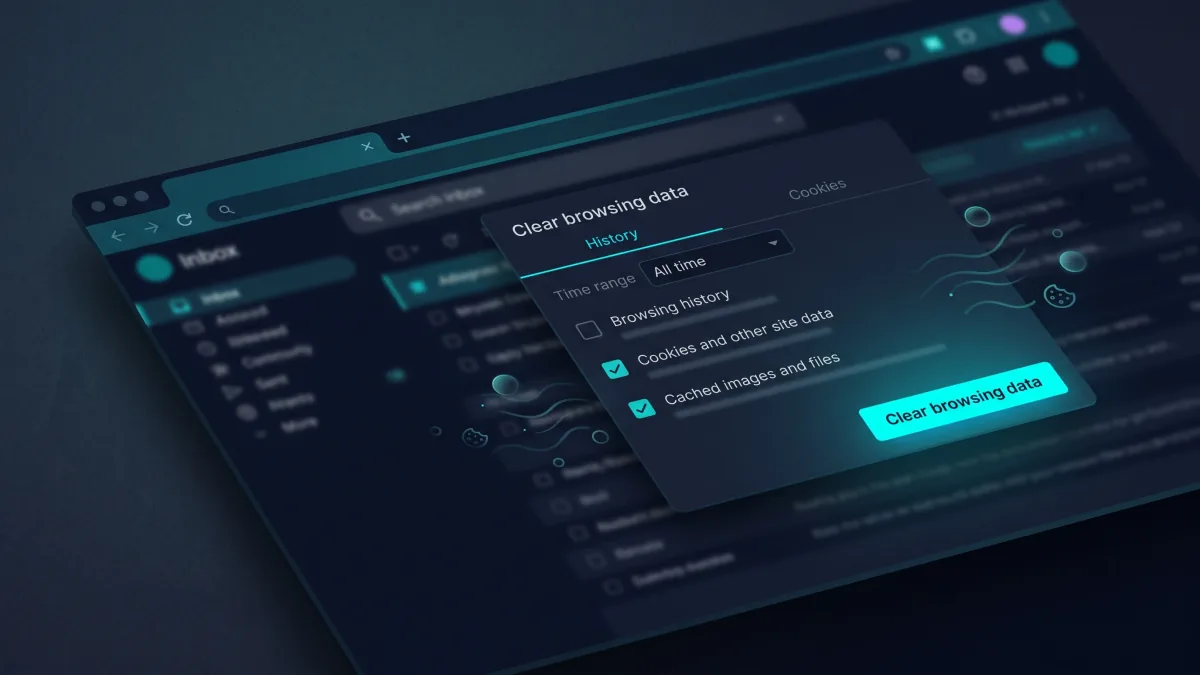
How to Use ChatGPT Safely in 2026

To use ChatGPT safely, treat it as a practical assistant rather than a secure vault or a guaranteed source of truth. Keep sensitive data out of prompts, review your privacy controls, and verify important claims before acting on them.

By Mo YF · 5 min read

Education & Online Learning

LinkedIn Profile for Students: A Step-by-Step Guide (With Headline & About Templates)

A strong LinkedIn profile for students makes three things immediately clear: what you study, what you can actually do, and what direction interests you next. You do not need a long employment history to stand out—by combining a specific headline, a three-paragraph About summary, and honest coursework or project evidence, you can publish a recruiter-ready profile in under an hour.

By Mo YF · 5 min read

Gaming & Mobile Games

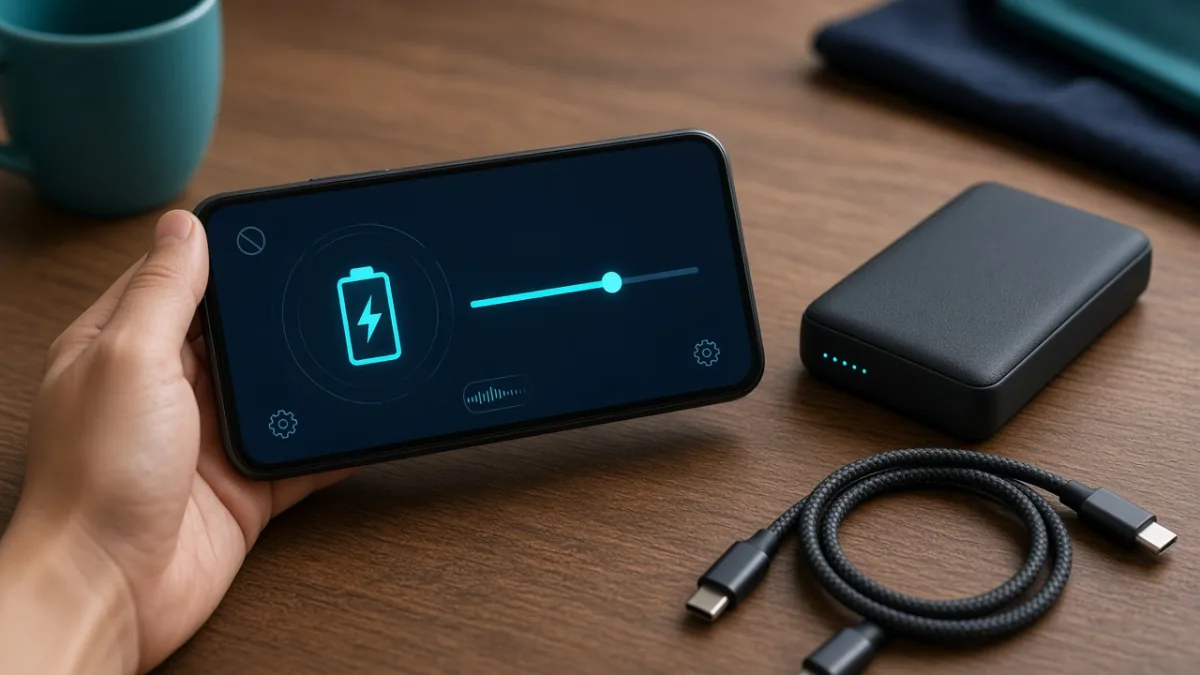
Mobile Game Battery Saving Tips for Android & iPhone: Play Longer, Stay Cooler

Heavy mobile games push your screen, graphics processor (GPU), network modem, and battery at the same time—turning energy into heat and fast percentage drops. By lowering in-game graphics one step, capping the frame rate at 60 FPS, dimming screen brightness, and taking off thick cases before long sessions, you can extend play time and prevent thermal throttling on both Android and iPhone.

By Mo YF · 3 min read

Gaming & Mobile Games

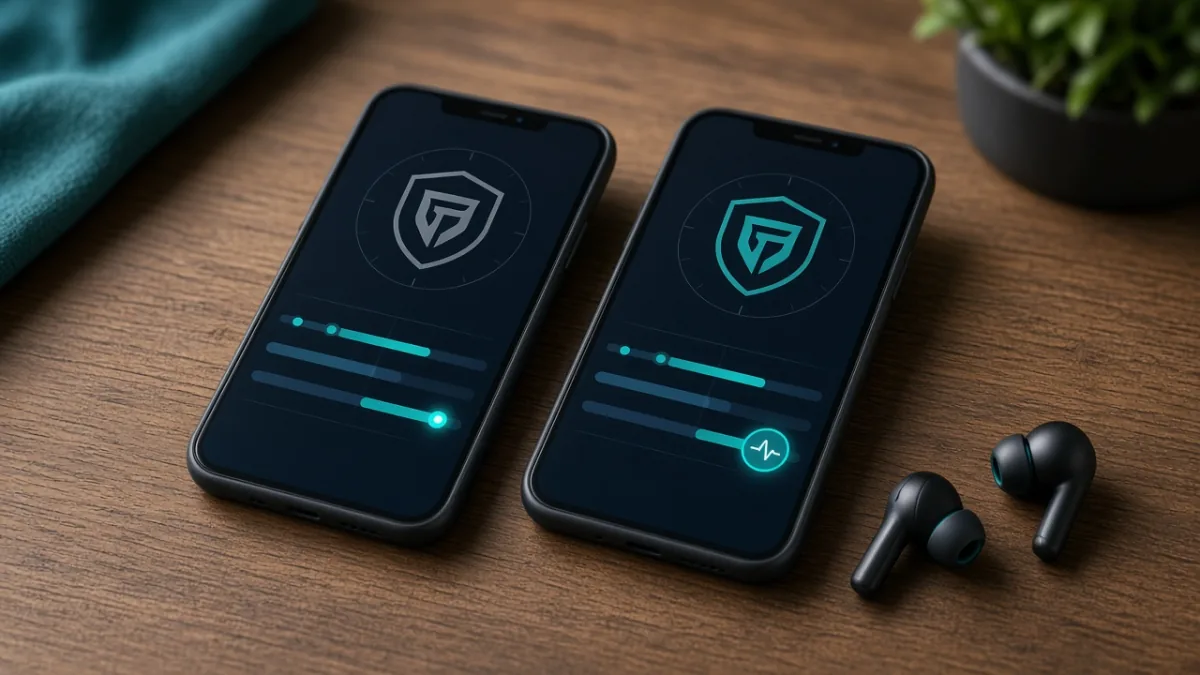
Parental Controls for Mobile Games: Complete Android & iPhone Safety Checklist

The most effective way to make mobile gaming safer for kids is to combine your phone's built-in family supervision tools with the privacy settings inside each individual game. In about 20 minutes, you can block unapproved in-app purchases, set automatic bedtime and playtime limits, filter downloads by age rating, and restrict voice or text chat to approved friends.

By Mo YF · 4 min read

Gaming & Mobile Games

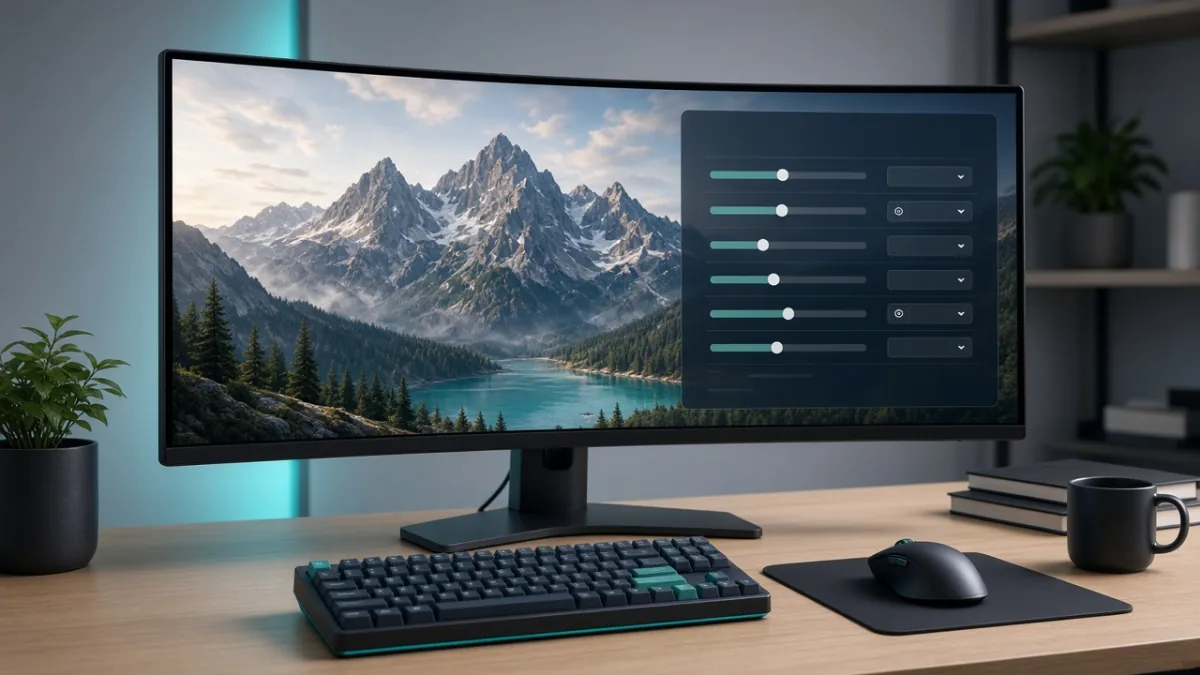
PC Gaming Graphics Settings Explained: What to Lower First for Higher FPS

If a PC game stutters or runs at a low frame rate, you do not need to set every graphics slider to Low and make the game look blurry. By turning off or lowering the heaviest GPU hogs first—such as Ray Tracing, Ultra Shadows, and Volumetric Fog—while keeping native resolution and high textures (as long as your VRAM allows), you can boost FPS dramatically with almost no visible loss in sharpness.

By Mo YF · 3 min read

Sports

Sports Score Apps Compared: Best Live Alerts, Stats & Widgets (2026 Guide)

The right sports score app delivers fast goal and match updates without flooding your lock screen with clickbait news alerts. By comparing league coverage, granular notification toggles (such as kickoff, goals, and full-time only), player statistics depth, and home-screen widgets, you can pick and configure the best live score app in under five minutes.

By Mo YF · 3 min read