


Mobile Gaming

Tags

Gaming & Mobile Games

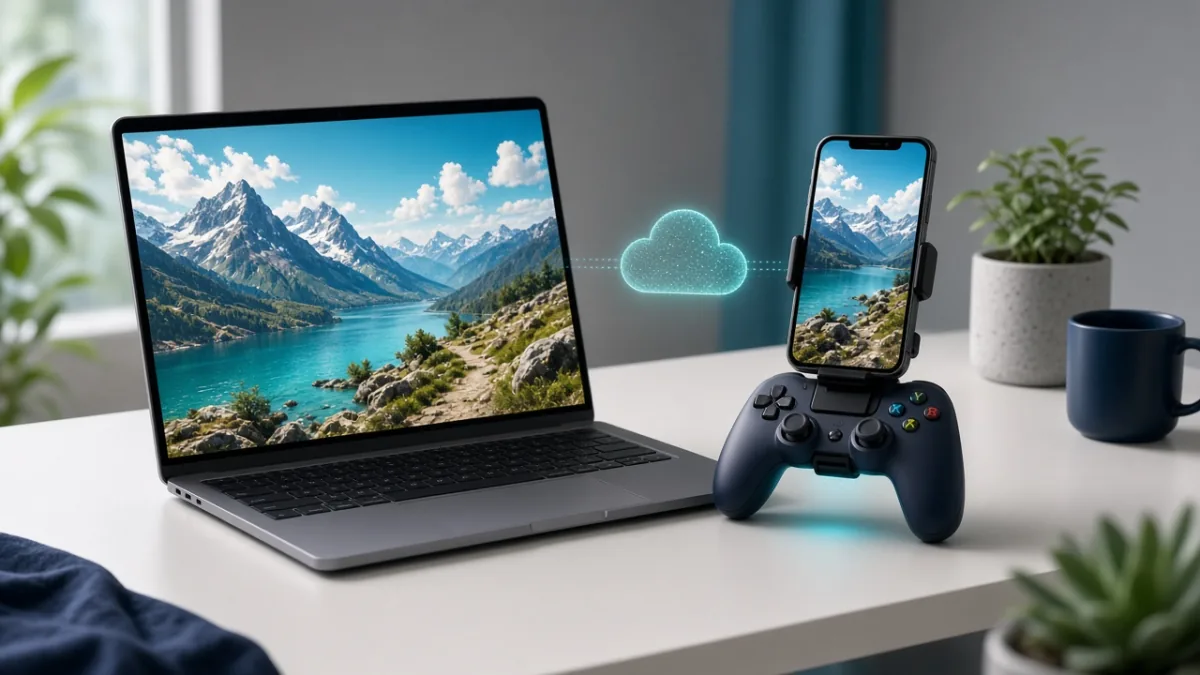
Cloud Gaming Basics: How It Works, Internet Speed Needed & How to Cut Lag

Cloud gaming runs demanding PC and console titles on a remote data-center server and streams the live video and audio to your phone, tablet, laptop, or TV while sending your controller inputs back in real time. Instead of needing an expensive graphics card or 100 GB of free storage, your experience depends on low ping, zero packet loss, and a stable wired or 5 GHz Wi-Fi connection.

By Mo YF · 2 min read
Gaming & Mobile Games

How to Free Up Space for Games on Your Phone (Without Losing Saves)

Modern mobile games often require 10 GB to 30 GB of storage—plus extra temporary space to unpack season updates. By deleting unused in-game resource packs (like old maps, voice languages, and HD textures), offloading idle apps after verifying cloud saves, and clearing forgotten screen recordings, you can reclaim several gigabytes in minutes without losing your game progress.

By Mo YF · 3 min read

Gaming & Mobile Games

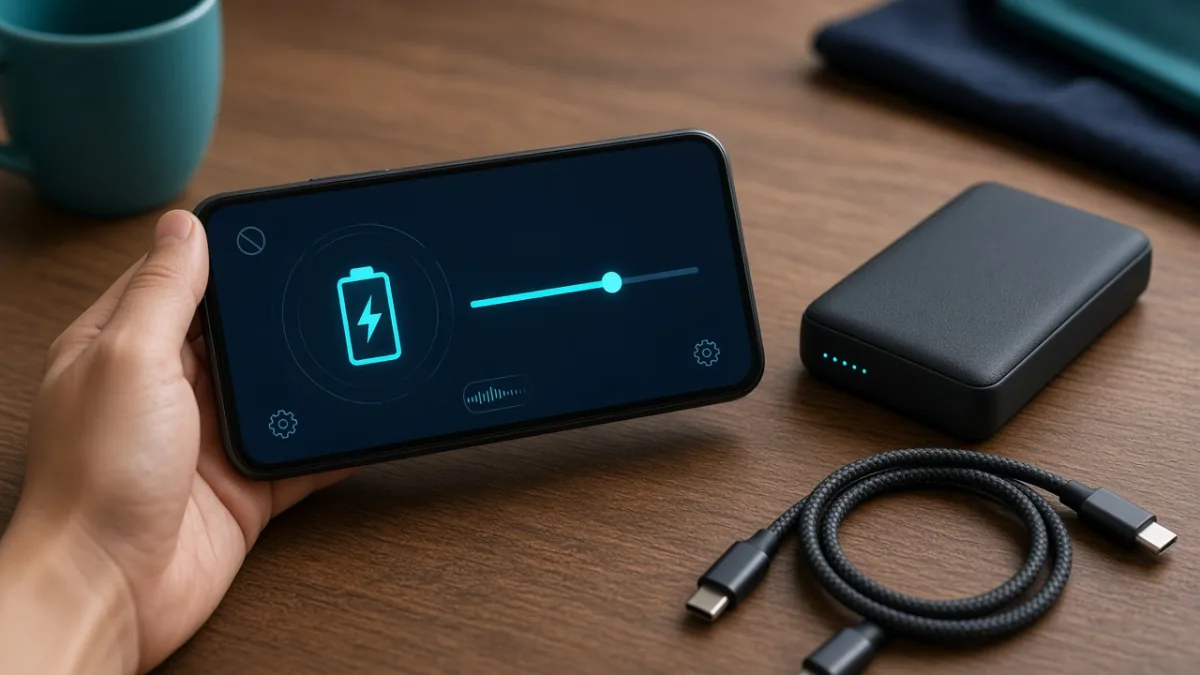
Mobile Game Battery Saving Tips for Android & iPhone: Play Longer, Stay Cooler

Heavy mobile games push your screen, graphics processor (GPU), network modem, and battery at the same time—turning energy into heat and fast percentage drops. By lowering in-game graphics one step, capping the frame rate at 60 FPS, dimming screen brightness, and taking off thick cases before long sessions, you can extend play time and prevent thermal throttling on both Android and iPhone.

By Mo YF · 3 min read

Gaming & Mobile Games

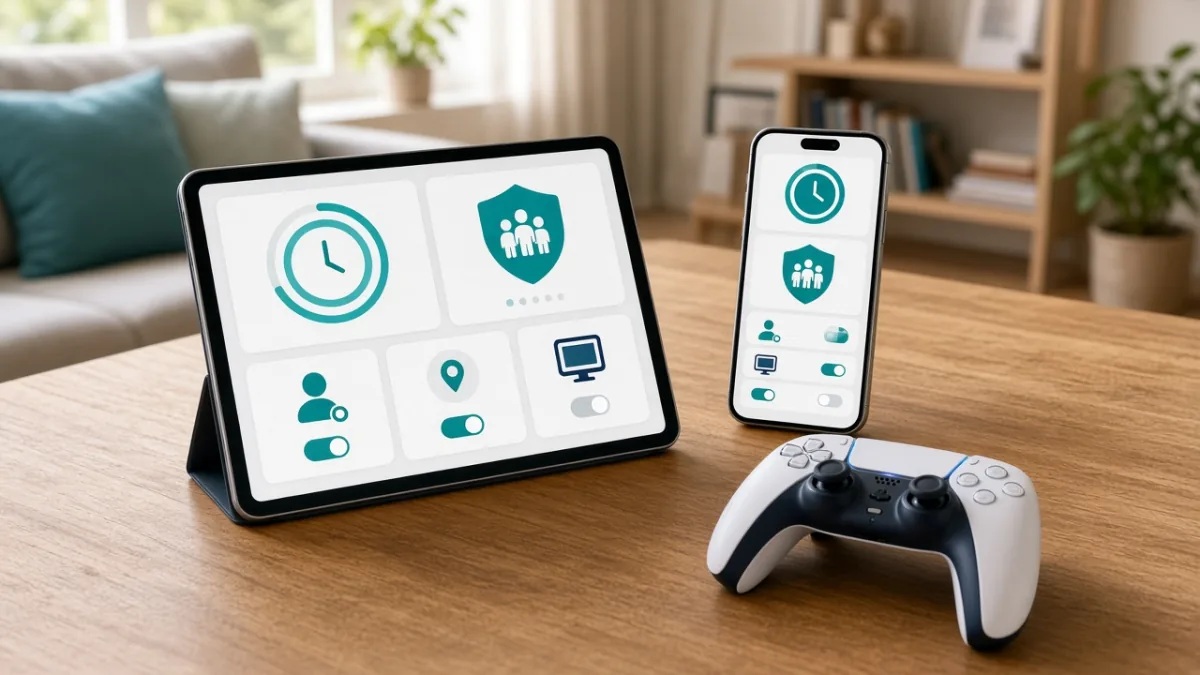
Parental Controls for Mobile Games: Complete Android & iPhone Safety Checklist

The most effective way to make mobile gaming safer for kids is to combine your phone's built-in family supervision tools with the privacy settings inside each individual game. In about 20 minutes, you can block unapproved in-app purchases, set automatic bedtime and playtime limits, filter downloads by age rating, and restrict voice or text chat to approved friends.

By Mo YF · 4 min read