


Best Free PDF Tools Online in 2026: Merge, Compress & Convert
The best free PDF tools online let you merge, split, compress, convert, or sign documents directly in your browser without paying for a full desktop suite. Before uploading a file, compare each tool's free usage limits, file-size caps, and privacy handling.
On this page10
- Which free PDF tools are worth trying in 2026?
- How do you merge PDF files online for free?
- How do you compress a PDF without making it unreadable?
- How do you convert a PDF to Word?
- Are free online PDF tools safe for private documents?
- What if your PDF tool does not work?
- Frequently asked questions
- 1. What is the best free PDF tool online?
- 2. Can I merge PDF files online for free without signing up?
- 3. Is it safe to upload a PDF to a free website?
Which free PDF tools are worth trying in 2026?
Free plans often limit daily actions, batch processing, page counts, or file sizes. Check the current terms on the provider's page before uploading large or multi-page documents.
| Tool | Free allowance | Typical file-size cap | Privacy & deletion policy | Signup required? | Best use |
|---|---|---|---|---|---|
| Adobe Acrobat Online | Limited no-sign-in transactions; varies by tool | Up to 100 MB (200 MB for Word/PPT; up to 2 GB compression) | No-sign-in files deleted shortly after processing; account files persist until removed | No for some one-off tasks; required for others | Compress, convert to Word, fill & sign |
| iLovePDF | Basic plan limits tasks and batch size by tool | Merge/split 100 MB, compress 200 MB, PDF-to-Word 15 MB | Provider states uploaded files are deleted within 2 hours | Usually no for basic tasks | Merge, split, compress, convert |
| PDF24 Tools | Most online utilities are completely free | Varies by tool and browser memory | Some tools run in-browser; server files generally deleted within 1 hour | No | Free merging, splitting, and utilities without signup |
| Sejda | Up to 3 tasks per hour; page limits apply (e.g., 200 pages) | Typically up to 50 MB on free tier | Encrypted in transit and automatically deleted after 2 hours | No for basic online tasks | Editing text, signing, and organizing pages |
| Smallpdf | Limited free daily downloads and actions | Varies by tool workflow | Free-tool uploads removed after about 1 hour | Usually no for basic actions | Quick everyday conversions with a clean UI |
| PDF Candy | Hourly task, page, and batch limits on free tier | Commonly around 50 MB on free web tier | Provider states processed files are deleted after 2 hours | No for basic web tasks | Format conversions and page management |
| Xodo | Limited free daily web actions (often 1 per day) | Tool-specific | Many viewer/editor features run locally in-browser; server files removed after ~1 hour | No for basic single action | Browser-based viewing and annotation |
How do you merge PDF files online for free?
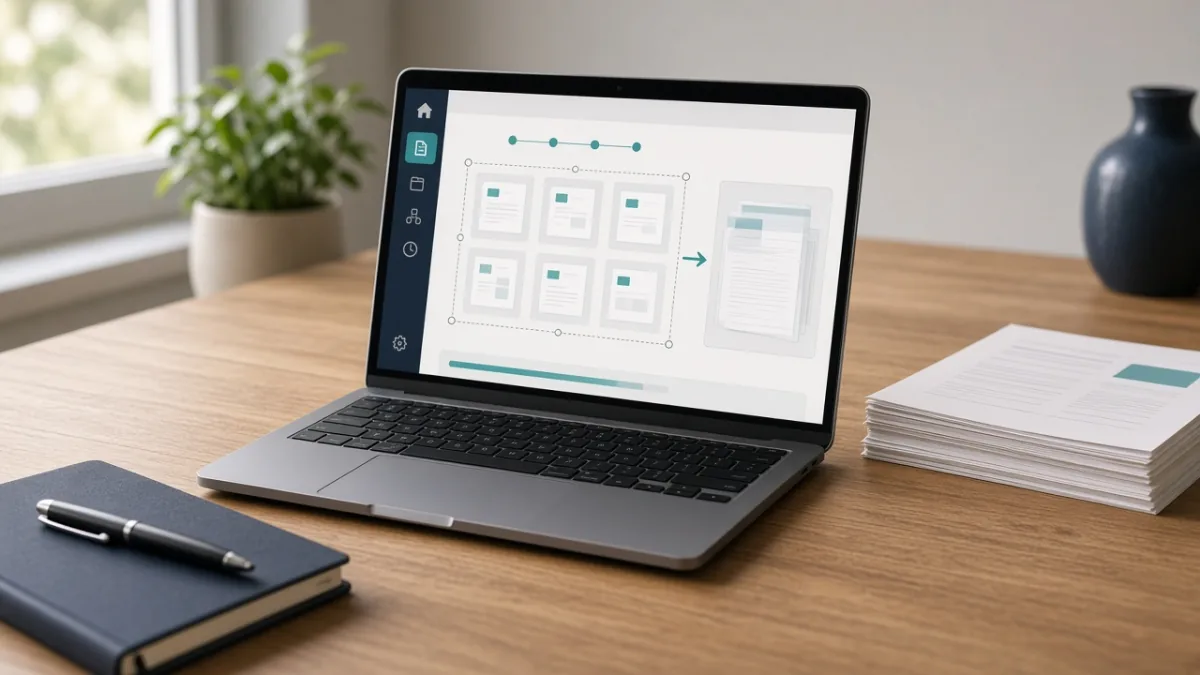
Merging combines scans, application documents, notes, or report sections into one clean file.
- Open a merge tool such as PDF24 Merge PDF or iLovePDF Merge.
- Select your PDF files and drag their page or file thumbnails into the exact order you want, removing any duplicates.
- Run the merge, download the combined PDF, and inspect the first, middle, and final pages before deleting your original files.
How do you compress a PDF without making it unreadable?
Compression reduces file size primarily by downsampling and recompressing embedded images. Extreme compression can blur fine print, stamps, or scanned text.
- Open a compression tool such as Adobe Acrobat Online Compress PDF or iLovePDF Compress.
- Upload your document and select a medium or recommended compression level first when multiple levels are offered.
- Download the compressed file, verify that its size meets your upload portal's limit, and zoom in to check small text and diagrams.
How do you convert a PDF to Word?
A PDF-to-Word converter turns a fixed page layout into editable DOCX paragraphs and tables. Digital text PDFs convert much more cleanly than camera scans.
- Open a converter such as Adobe Acrobat Online PDF-to-Word or Smallpdf.
- Upload the PDF and choose DOCX output. If the file is a scanned image, select an OCR (optical character recognition) option if available.
- Open the downloaded Word document and carefully check headings, tables, numbers, names, and line breaks before sharing.
Are free online PDF tools safe for private documents?
Server-side PDF tools must read your file on their servers to process it. While reputable providers encrypt transfers and delete files after one to two hours, automatic deletion after upload is not the same as never uploading a confidential document.
What if your PDF tool does not work?
Frequently asked questions
1. What is the best free PDF tool online?
There is no single winner for every task. PDF24 and iLovePDF are great for quick merging and splitting, Sejda is strong for quick browser text edits within its 3-task hourly limit, and Adobe Acrobat Online handles high-quality PDF-to-Word conversion and compression.
2. Can I merge PDF files online for free without signing up?
Yes. Services such as PDF24 Tools and basic iLovePDF workflows let you merge PDFs directly in your browser without creating an account, subject to file-size and page limits.
3. Is it safe to upload a PDF to a free website?
For non-sensitive everyday files, reputable services use HTTPS encryption and delete files within 1 to 2 hours. However, you should never upload identity documents, banking records, medical files, or confidential workplace PDFs to an unapproved online tool.
Frequently Asked Questions
What is the best free PDF tool online?
There is no single winner for every task. PDF24 and iLovePDF are great for quick merging and splitting, Sejda is strong for quick browser text edits within its 3-task hourly limit, and Adobe Acrobat Online handles high-quality PDF-to-Word conversion and compression.
Can I merge PDF files online for free without signing up?
Yes. Services such as PDF24 Tools and basic iLovePDF workflows let you merge PDFs directly in your browser without creating an account, subject to file-size and page limits.
Is it safe to upload a PDF to a free website?
For non-sensitive everyday files, reputable services use HTTPS encryption and delete files within 1 to 2 hours. However, you should never upload identity documents, banking records, medical files, or confidential workplace PDFs to an unapproved online tool.
Sources
Tags: File FormatsHow-ToStep-by-StepPrivacy Tips