


File Formats

Tags

Web Tools

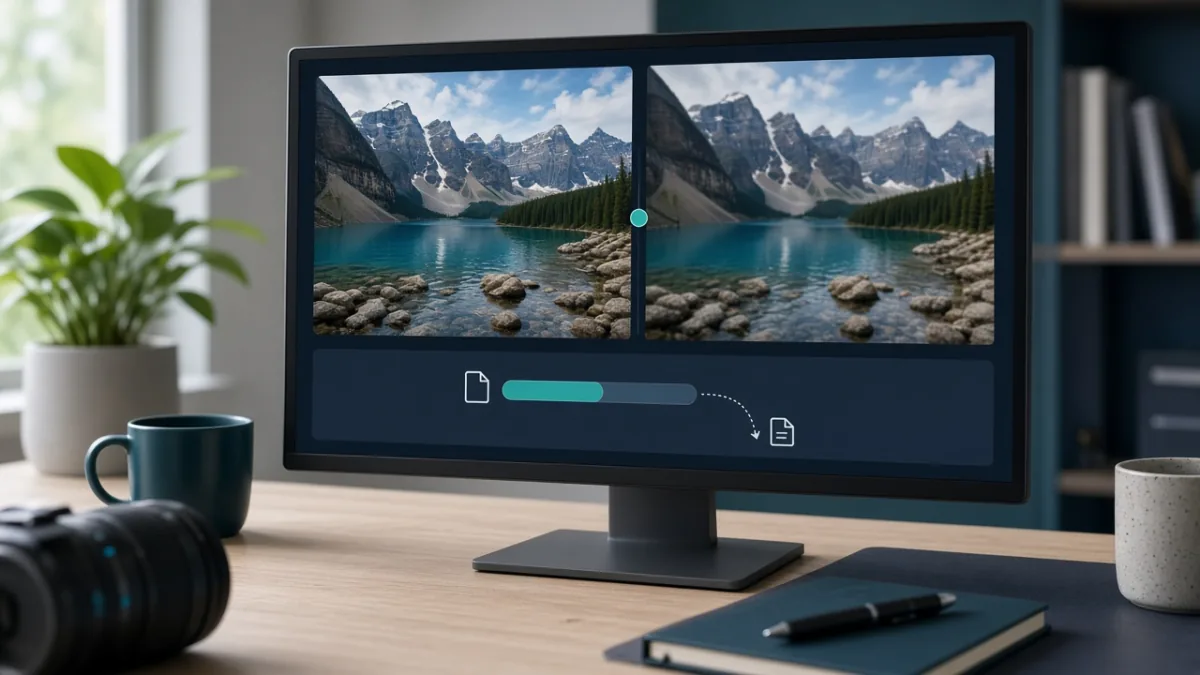
Compress Images Online Without Visible Quality Loss: Free & Safe Guide

The fastest way to compress images online without making them look blurry is to resize pixel dimensions first, pick the right file format (JPG, PNG, or WebP), and apply a single moderate compression pass. Before uploading private photos or IDs, always check whether the compressor processes files locally in your browser or uploads them to a remote server.

By Mo YF · 3 min read

Web Tools

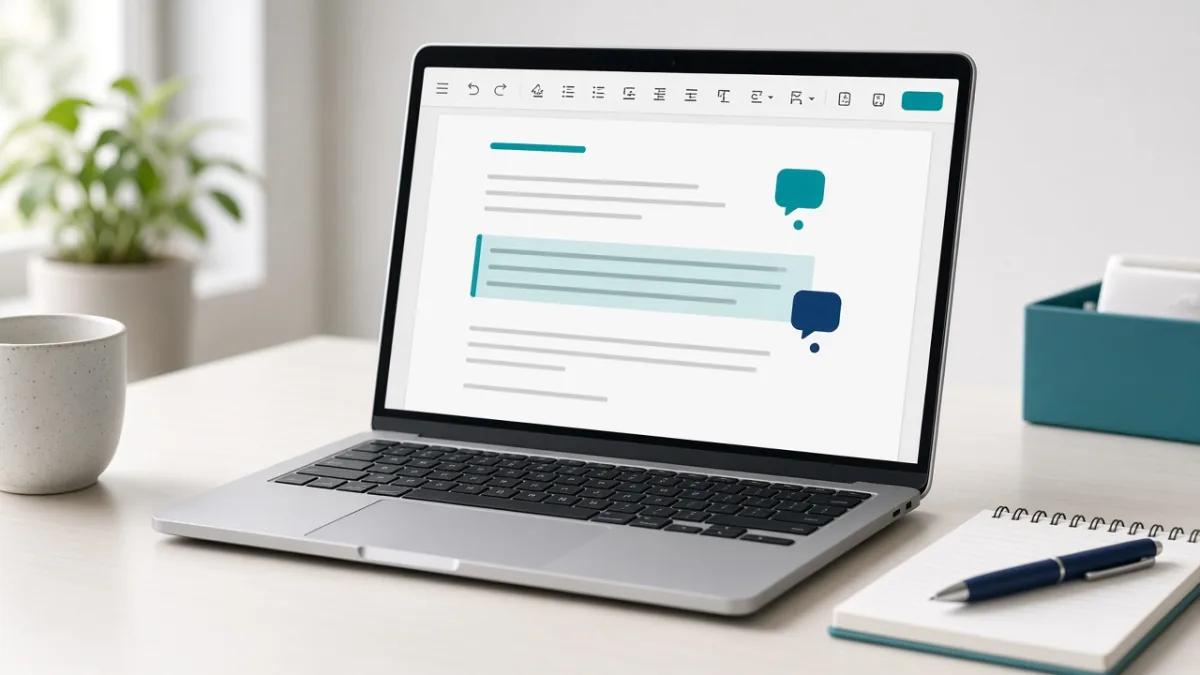
Google Docs for Beginners: Write, Format, and Share Fast in 15 Minutes

Google Docs is a free browser-based word processor that saves your work automatically to Google Drive and lets you write, format, collaborate, and export clean PDF or Word files from any device. In 15 minutes, you can master the five core skills: creating a document, styling headings, inserting tables or links, sharing with safe permissions, and restoring earlier versions.

By Mo YF · 5 min read

Web Tools

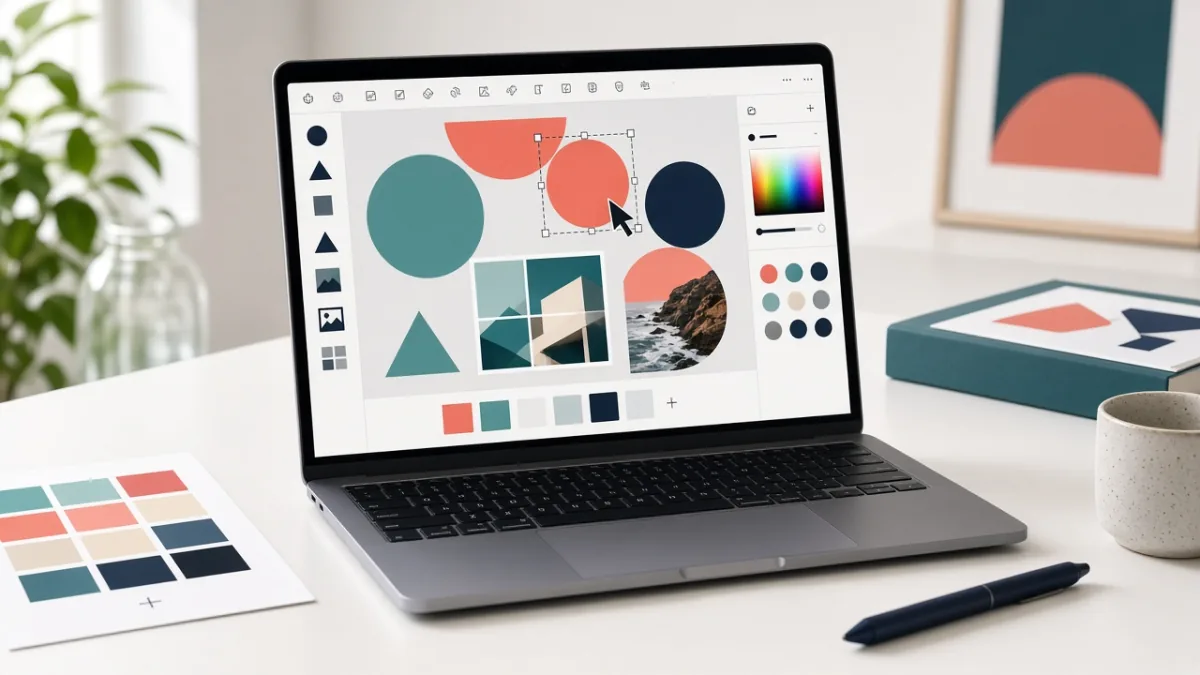
How to Use Canva Free: Make Your First Design in 10 Minutes

Canva Free lets you create social media posts, flyers, presentations, and posters right in your browser or phone app without learning complex design software. By starting with a free template, sticking to two fonts and high contrast, and replacing any element marked with a Pro crown icon, you can finish and download a polished design in 10 minutes at zero cost.

By Mo YF · 4 min read

Education & Online Learning

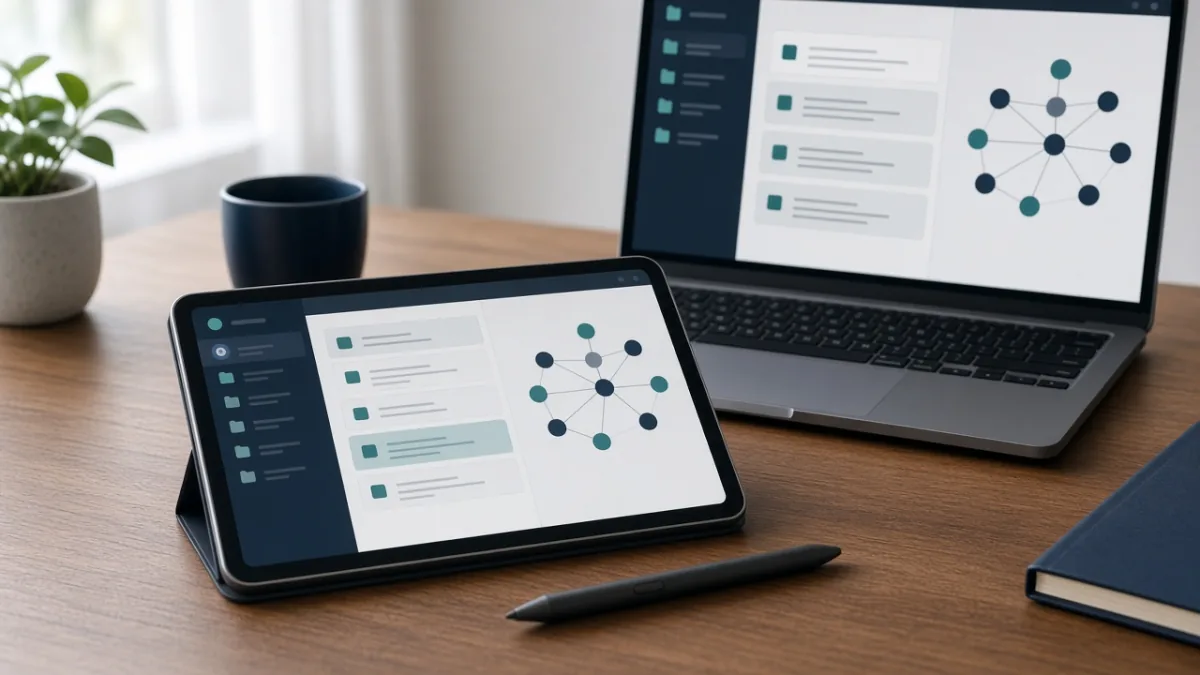
6 Best Note-Taking Apps for Students in 2026: Free Plans, Offline & Stylus Compared

The best note-taking app for students is not the one with the most complex templates—it is the one that opens instantly when a lecture starts, finds your notes in two seconds before an exam, and lets you export clean files you actually own. By matching one primary app to your devices and writing style (typed vs. stylus handwriting) and setting up a simple semester folder structure, you can organize every class without spending hours decorating dashboards.

By Mo YF · 3 min read

Web Tools

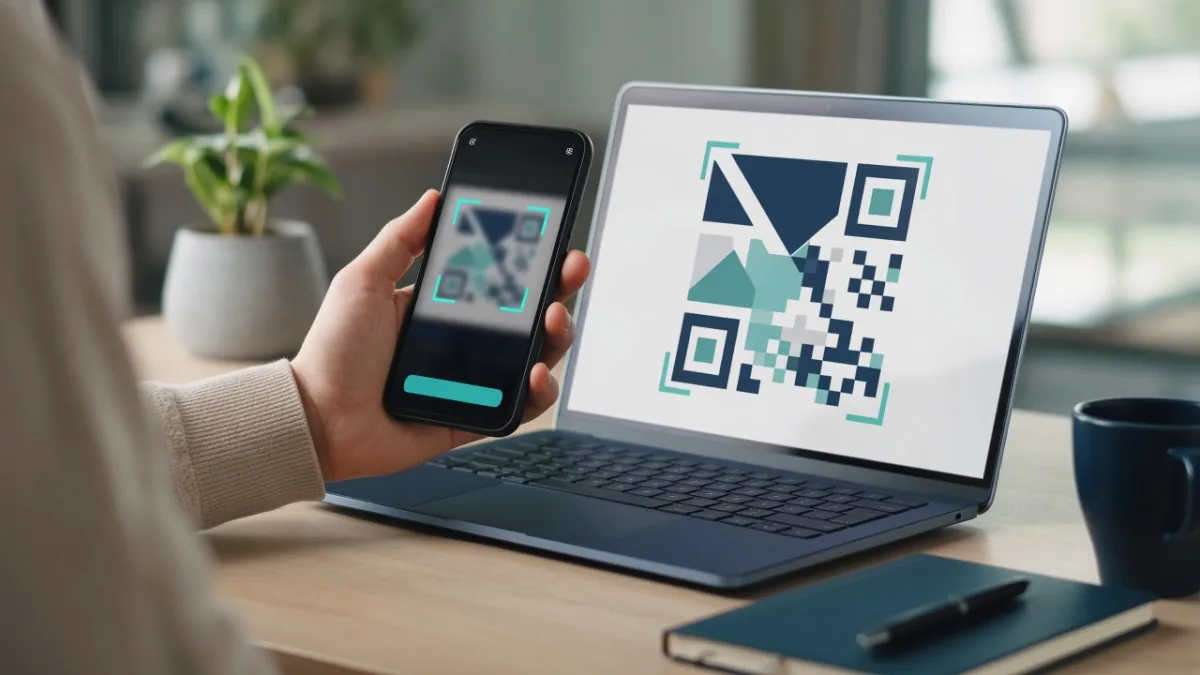
QR Code Generator Guide: How to Create, Test & Scan QR Codes Safely

A QR code generator turns a website URL, Wi-Fi login, contact card, or hosted file link into a square pattern that any smartphone camera can read in a second. By choosing a static QR code for permanent links, keeping strong dark-on-light contrast with a clean margin, and testing the code on two phones before printing, you can create reliable QR codes that never expire unexpectedly.

By Mo YF · 4 min read