


Privacy Tips

Tags

Web Tools

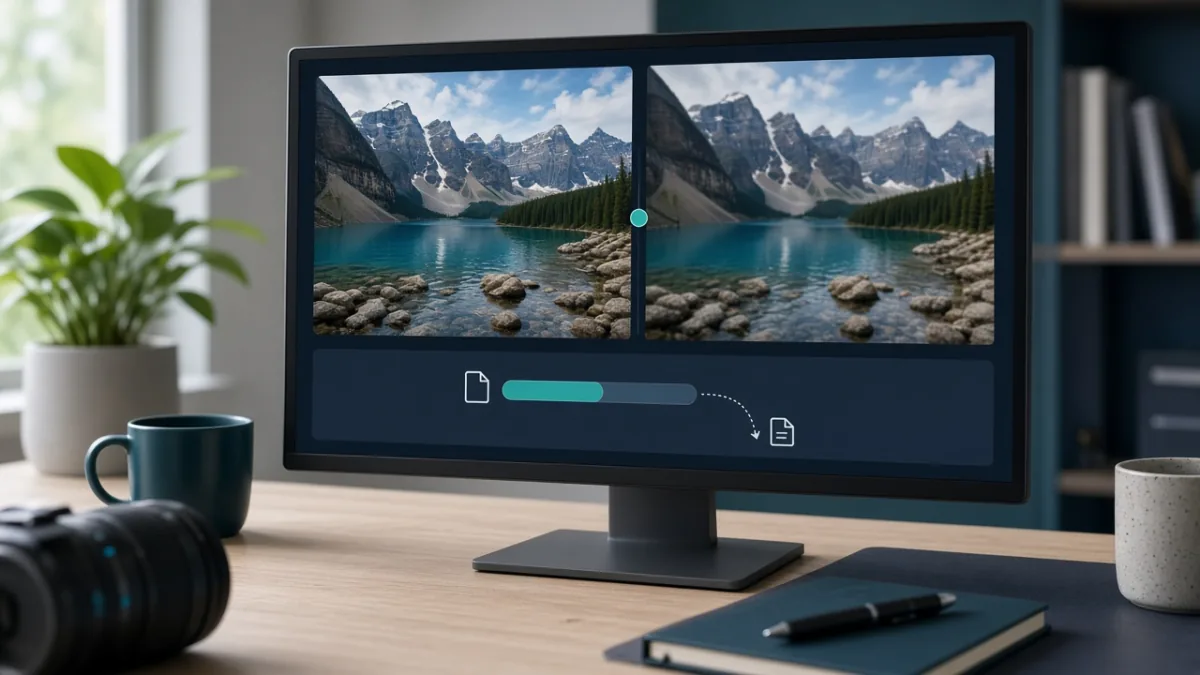
Compress Images Online Without Visible Quality Loss: Free & Safe Guide

The fastest way to compress images online without making them look blurry is to resize pixel dimensions first, pick the right file format (JPG, PNG, or WebP), and apply a single moderate compression pass. Before uploading private photos or IDs, always check whether the compressor processes files locally in your browser or uploads them to a remote server.

By Mo YF · 3 min read

Tech, Software & AI Tools

How to Use ChatGPT Safely in 2026

To use ChatGPT safely, treat it as a practical assistant rather than a secure vault or a guaranteed source of truth. Keep sensitive data out of prompts, review your privacy controls, and verify important claims before acting on them.

By Mo YF · 5 min read

Anime & Entertainment

Legal Anime Streaming Platforms Compared: Where to Watch Safely (Free & Paid)

Legal anime streaming comes in three reliable formats: dedicated anime subscriptions, general entertainment platforms that license major anime series and films, and free ad-supported or official distributor channels. Because no single service holds global rights to every show in every country, checking your exact title and language tracks inside the official app before subscribing saves money and protects your devices from unsafe pirate sites.

By Mo YF · 2 min read

Education & Online Learning

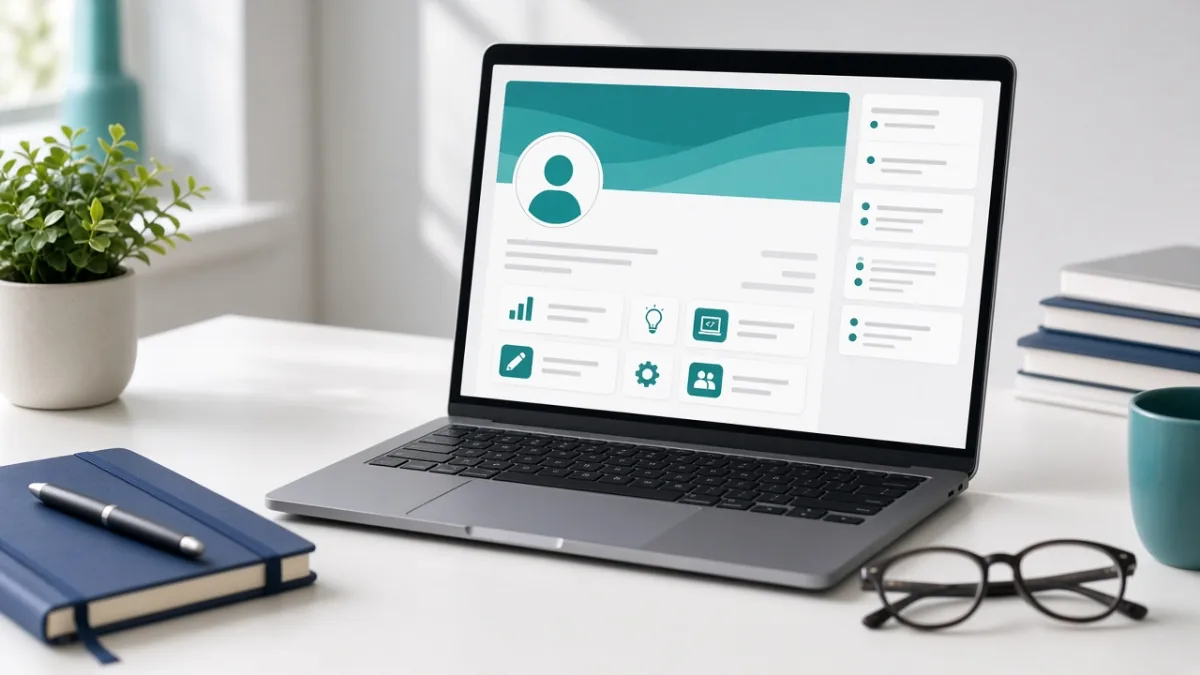
LinkedIn Profile for Students: A Step-by-Step Guide (With Headline & About Templates)

A strong LinkedIn profile for students makes three things immediately clear: what you study, what you can actually do, and what direction interests you next. You do not need a long employment history to stand out—by combining a specific headline, a three-paragraph About summary, and honest coursework or project evidence, you can publish a recruiter-ready profile in under an hour.

By Mo YF · 5 min read

Gaming & Mobile Games

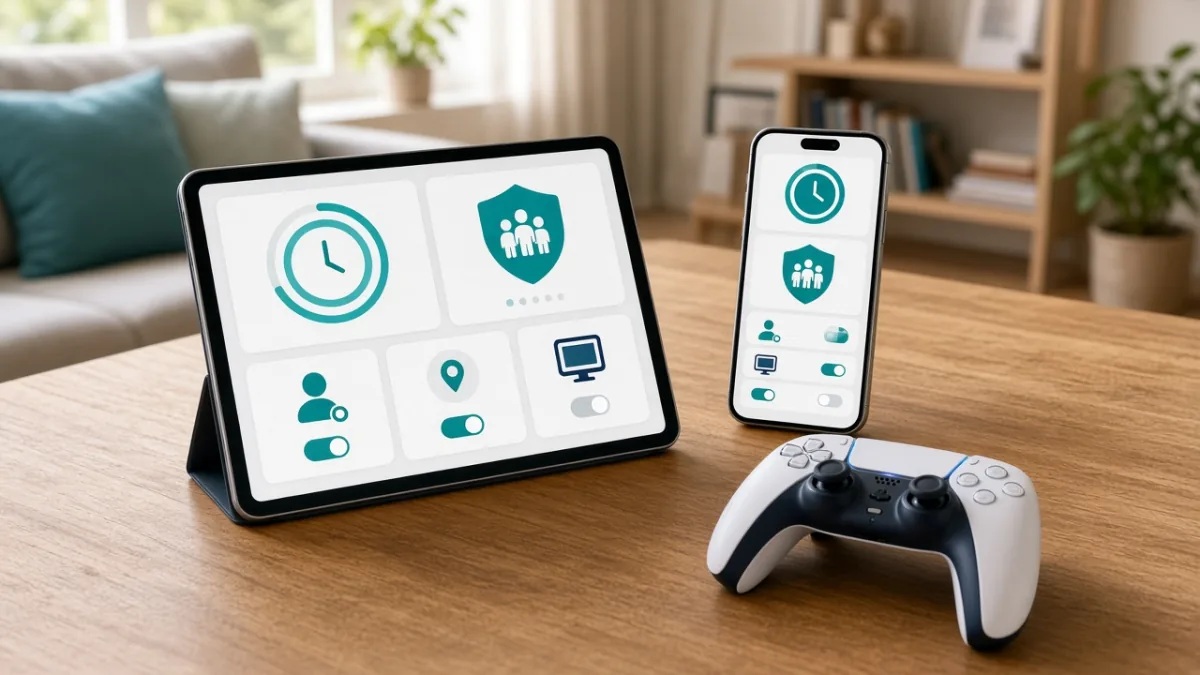
Parental Controls for Mobile Games: Complete Android & iPhone Safety Checklist

The most effective way to make mobile gaming safer for kids is to combine your phone's built-in family supervision tools with the privacy settings inside each individual game. In about 20 minutes, you can block unapproved in-app purchases, set automatic bedtime and playtime limits, filter downloads by age rating, and restrict voice or text chat to approved friends.

By Mo YF · 4 min read

VPN & Privacy

When to Use a VPN (and When Not To): Benefits, Limits & Setup

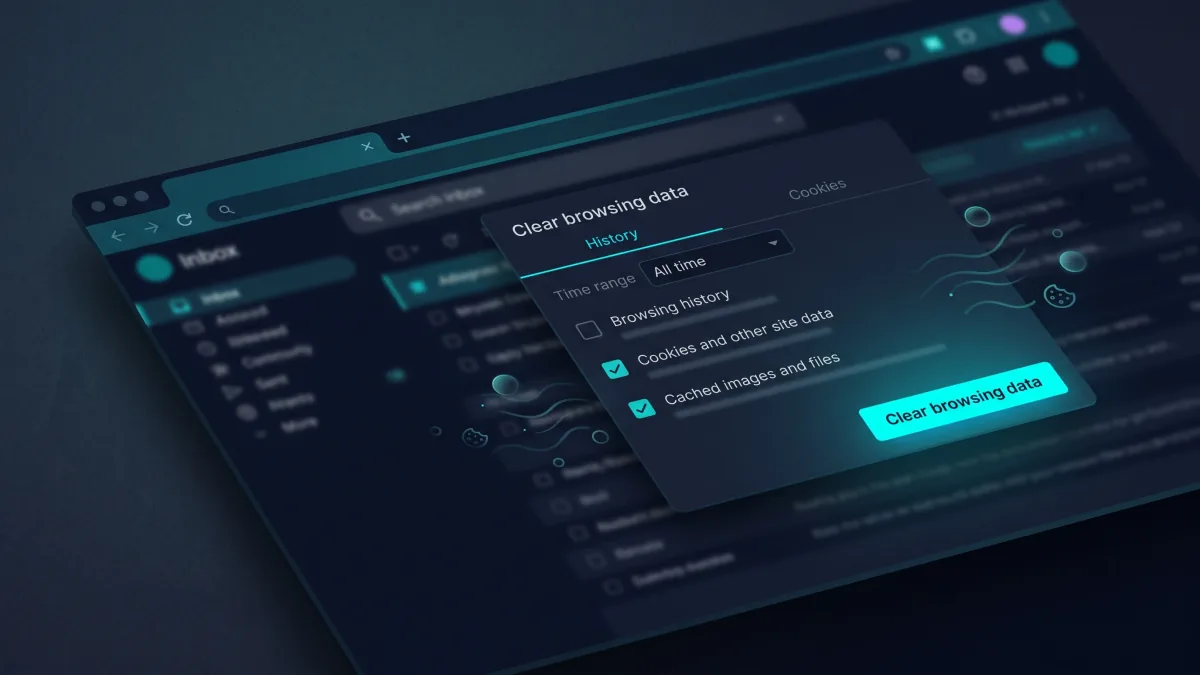
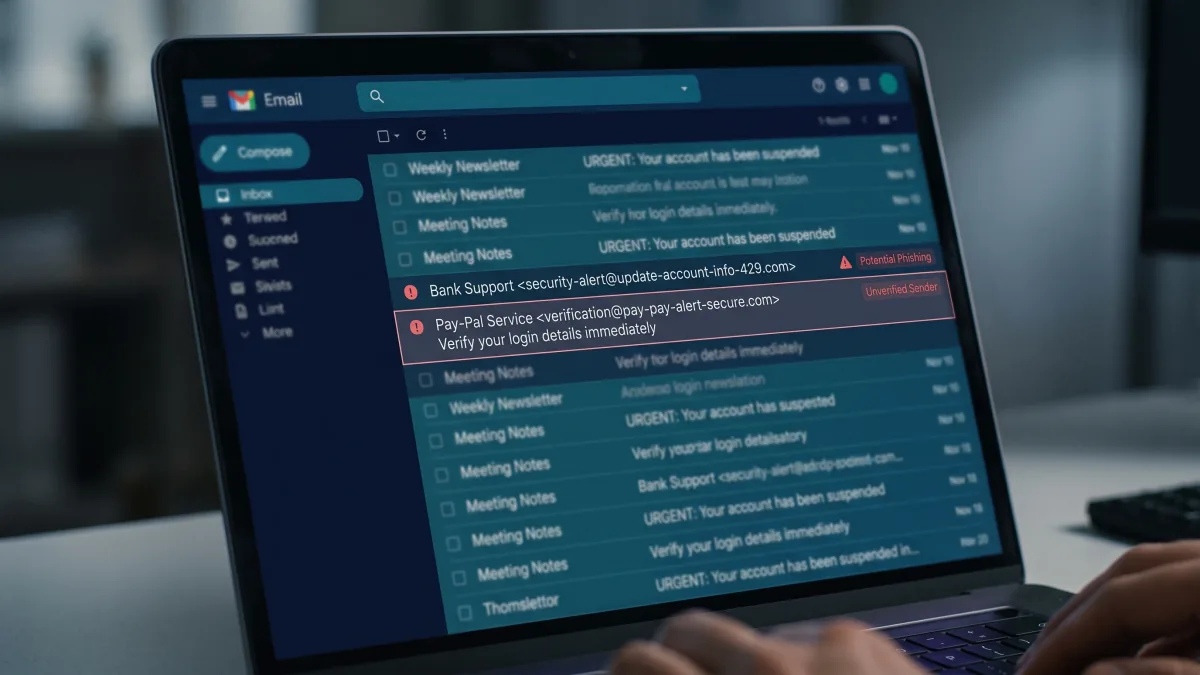
A VPN (Virtual Private Network) encrypts traffic between your device and a remote VPN server and masks your home or mobile IP address from destination websites. It is a practical tool for untrusted public Wi-Fi, reducing local ISP visibility, and remote work access—but it does not make you completely anonymous or stop phishing, malware, or cookie tracking.

By Mo YF · 4 min read

VPN & Privacy

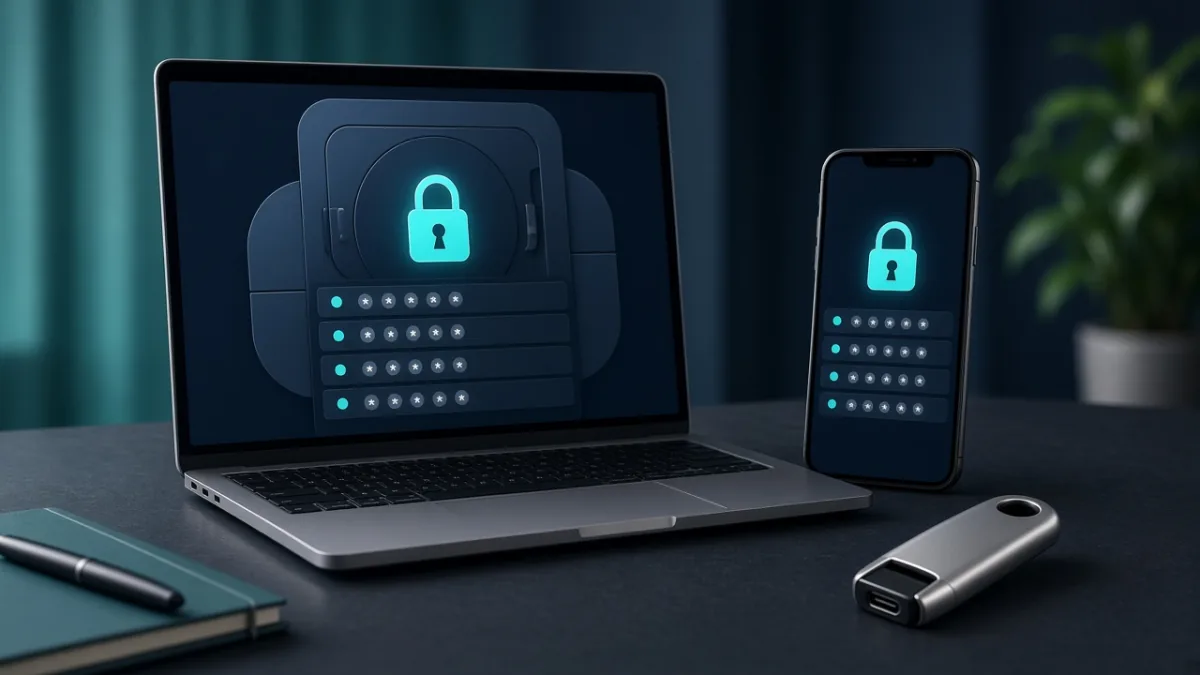
What Is a Password Manager? Is It Safe and How to Set One Up

A password manager is an encrypted digital vault that generates, stores, and autofills unique passwords for every account you own. Paired with a long master passphrase and two-factor authentication (2FA), it is one of the simplest ways to stop password reuse without memorizing dozens of complex strings.

By Mo YF · 5 min read