



What Is a Password Manager? Is It Safe and How to Set One Up
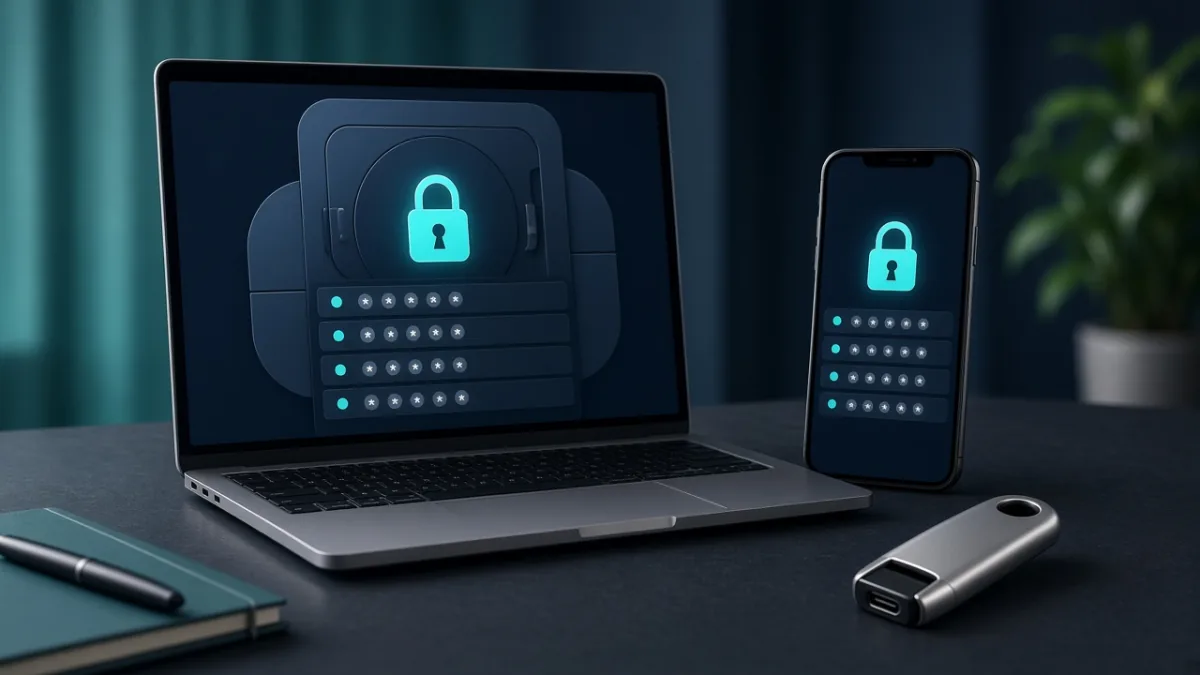
A password manager is an encrypted digital vault that generates, stores, and autofills unique passwords for every account you own. Paired with a long master passphrase and two-factor authentication (2FA), it is one of the simplest ways to stop password reuse without memorizing dozens of complex strings.
On this page7
- What Is a Password Manager, in Plain English?
- How Do Password Managers Work Under the Hood?
- Is a Password Manager Really Safe?
- Do You Need a Password Manager? A 5-Question Self-Check
- How to Set Up a Password Manager in 10 Minutes
- What Happens If You Forget Your Master Password?
- 5 Common Password Manager Mistakes to Avoid
What Is a Password Manager, in Plain English?
A password manager remembers your logins so you never have to reuse the same password across multiple websites. Think of it as a locked digital key cabinet: every website gets its own unique, randomly generated key, while you only memorize one strong master passphrase to unlock the cabinet.
| Option Type | Typical Cost | Cross-Device Sync | Security & Sharing Advantage | Best For |
|---|---|---|---|---|
| Built-in OS / Browser Manager | Free (included with Apple, Google, or browser account) | Automatic within the same ecosystem | Zero setup friction; built-in breach alerts and passkey support | Beginners using one main device ecosystem |
| Dedicated Password Manager App | Free tier or low annual subscription | Seamless across Windows, Mac, Linux, Android & iOS | End-to-end encrypted vault, secure family sharing, emergency access | Anyone mixing Android/iPhone with Windows/Mac |
| Offline / Local Vault | Free open-source or one-time license | Manual (via USB drive or self-hosted folder) | Vault file never touches a commercial cloud server | Privacy-focused users who maintain their own backups |
How Do Password Managers Work Under the Hood?
Reputable password managers encrypt your vault locally on your device before syncing anything to the cloud. Encryption scrambles your readable logins into unreadable ciphertext that can only be unlocked using a cryptographic key derived from your master password. Even if someone intercepts the synced file, they cannot read your passwords without your master secret.
An extra hidden benefit is phishing resistance: because the autofill extension checks the actual website domain (for example, paypal.com), it will refuse to autofill your password on a lookalike phishing domain (such as paypa1-security-alert.com)—giving you an immediate warning before you type a single character.
Is a Password Manager Really Safe?
Both the U.S. Cybersecurity and Infrastructure Security Agency (CISA) and the National Institute of Standards and Technology (NIST) recommend password managers because password reuse is the number-one cause of account takeovers. However, putting all your keys in one vault means you must protect that vault properly.
Do You Need a Password Manager? A 5-Question Self-Check
Check off any statement below that applies to how you manage accounts today—if you check even one box, a password manager will immediately upgrade your security:
How to Set Up a Password Manager in 10 Minutes
You do not need to update 100 old accounts on day one. Follow this six-step launch plan to lock down your vault and fix your most critical accounts in 10 minutes:
- Pick one manager that fits your devices: Download the official app and browser extension directly from the vendor's verified website or official app store.
- Create a 4-to-5 word master passphrase: Combine unrelated words (for example, format style only: harbor-lantern-orbit-meadow-74—never use a published example; generate your own privately).
- Enable 2FA on your vault account and print your recovery key: Store your emergency recovery sheet offline in a safe place—never store the only copy inside the vault itself.
- Import existing browser passwords safely: Use the manager's built-in import tool, verify your logins arrived, and permanently shred or empty any temporary CSV export file from Downloads and Trash.
- Turn on Autofill on your phone and browser: Enable system autofill in Android or iOS settings and turn off old, conflicting browser password prompts so you only save logins in one place.
- Upgrade your top 5 critical passwords first: Start with your primary email account (which controls password resets for everything else), followed by banking, cloud storage, and main social accounts.
What Happens If You Forget Your Master Password?
In a true zero-knowledge password manager, customer support cannot see or reset your master password for you—if they could, an attacker or rogue employee could too. That is why setting up your emergency recovery kit on day one is essential. Most modern managers give you an Emergency Recovery Key (a printable code), biometric unlock on a trusted phone (Face ID / fingerprint), or an Emergency Contact feature that lets a trusted family member help restore access after a waiting period.
5 Common Password Manager Mistakes to Avoid
Frequently Asked Questions
Are password managers really safe?
Yes. Reputable password managers encrypt your vault on your device before syncing, meaning neither the provider nor an attacker intercepting traffic can read your passwords without your master passphrase. Pairing a manager with a unique master passphrase and 2FA is far safer than reusing passwords or writing them in plain-text notes.
Can a password manager be hacked?
Any online service can be targeted, which is why top password managers use zero-knowledge end-to-end encryption—so even if a server is breached, the vault data remains encrypted ciphertext. Your biggest real-world protection is using a long, unique master passphrase and enabling 2FA on your vault account.
Should I use my browser's built-in password manager or a dedicated app?
A built-in OS or browser manager (like Apple Passwords or Google Password Manager) is a convenient free starting point if all your devices share the same ecosystem. A dedicated cross-platform app is better if you mix Windows, Mac, Android, and iPhone, or want advanced features like secure family sharing and emergency recovery keys.
What makes a strong master password?
Use a passphrase made of four or five random, unrelated words (for example, 20+ characters total) rather than a short complex string you might forget. Never include personal birthdays, pet names, or famous quotes, and never reuse your master passphrase on any other website.
What happens if I forget my password manager's master password?
Because zero-knowledge password managers cannot view your master password, support staff cannot simply reset it over email. You must use the recovery method you configured during setup—such as a printed Emergency Recovery Key, a logged-in mobile device with biometrics, or a designated emergency contact.
Is it safe to store bank details and secure notes in a password manager?
Yes, encrypted vaults are designed to protect sensitive logins, payment cards, Wi-Fi passwords, and secure notes. Just ensure your vault is protected by a strong master passphrase, multi-factor authentication (2FA), and a device screen lock, and keep your 2FA recovery codes for the vault itself stored separately offline.
Sources
Tags: PasswordsTwo-Factor AuthPrivacy TipsHow-ToStep-by-Step