


Troubleshooting

Tags

Gaming & Mobile Games

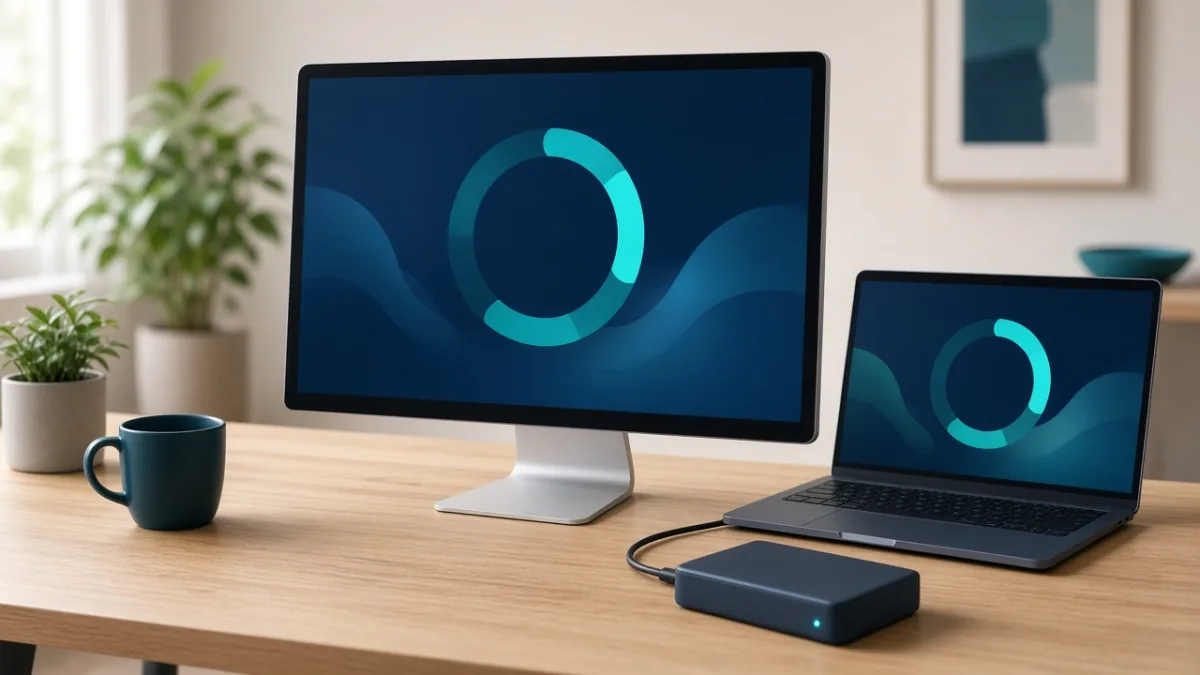
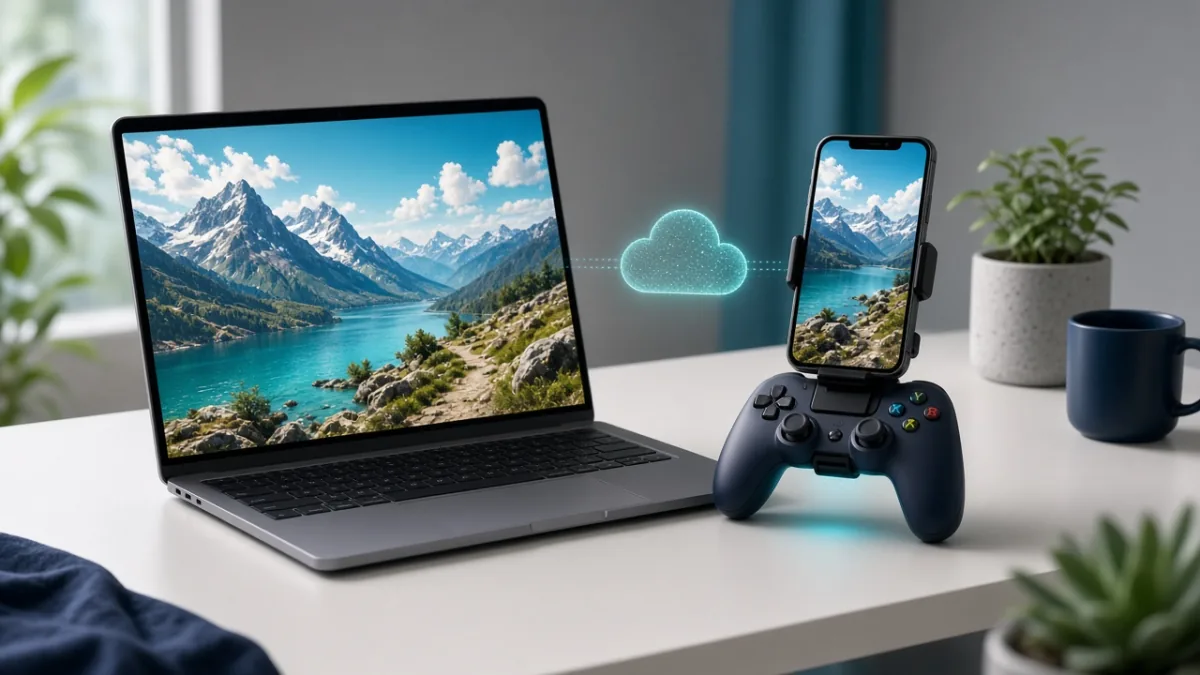
Cloud Gaming Basics: How It Works, Internet Speed Needed & How to Cut Lag

Cloud gaming runs demanding PC and console titles on a remote data-center server and streams the live video and audio to your phone, tablet, laptop, or TV while sending your controller inputs back in real time. Instead of needing an expensive graphics card or 100 GB of free storage, your experience depends on low ping, zero packet loss, and a stable wired or 5 GHz Wi-Fi connection.

By Mo YF · 2 min read
Gaming & Mobile Games

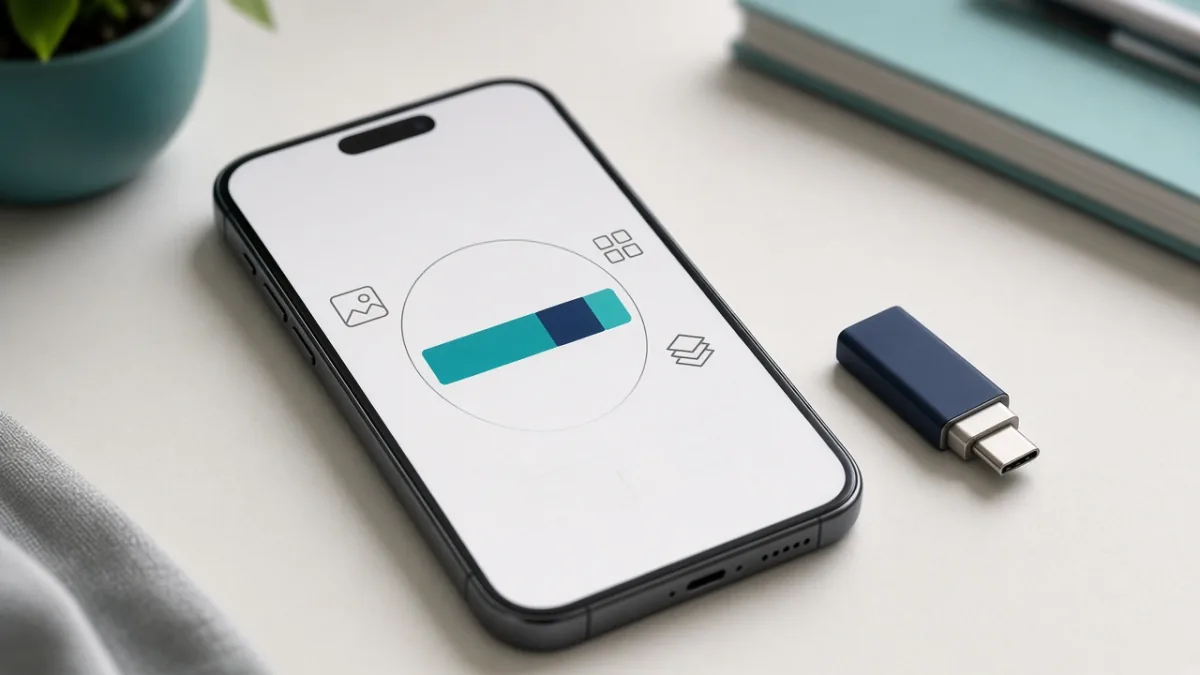
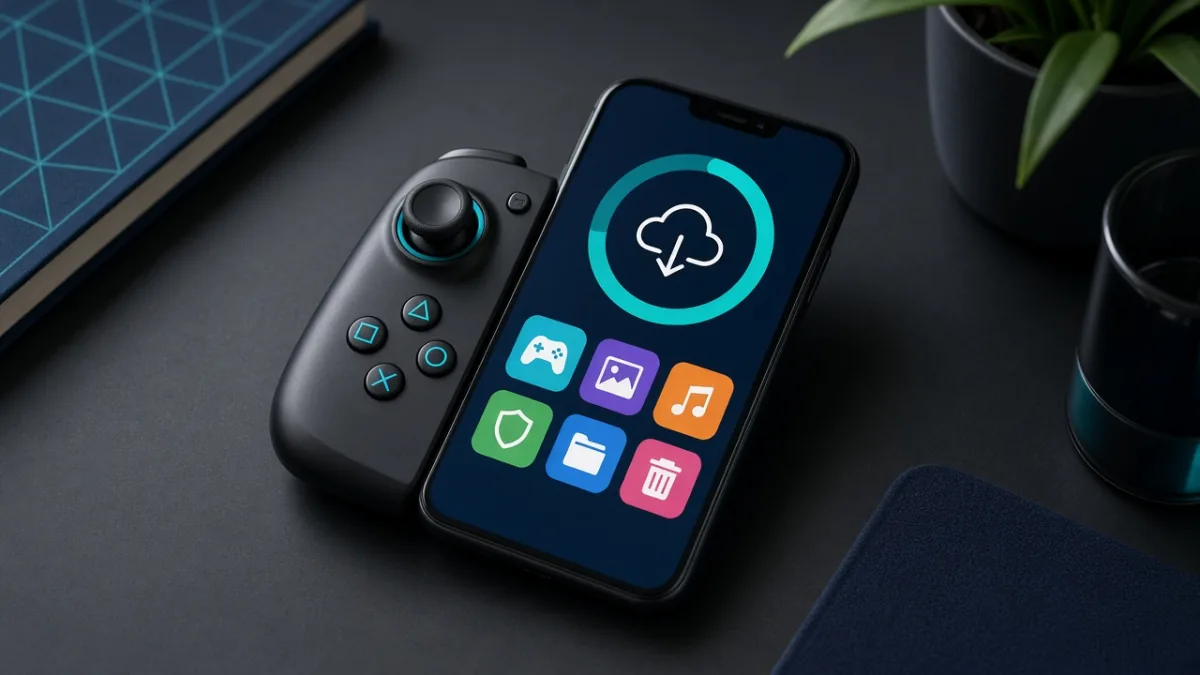
How to Free Up Space for Games on Your Phone (Without Losing Saves)

Modern mobile games often require 10 GB to 30 GB of storage—plus extra temporary space to unpack season updates. By deleting unused in-game resource packs (like old maps, voice languages, and HD textures), offloading idle apps after verifying cloud saves, and clearing forgotten screen recordings, you can reclaim several gigabytes in minutes without losing your game progress.

By Mo YF · 3 min read

Gaming & Mobile Games

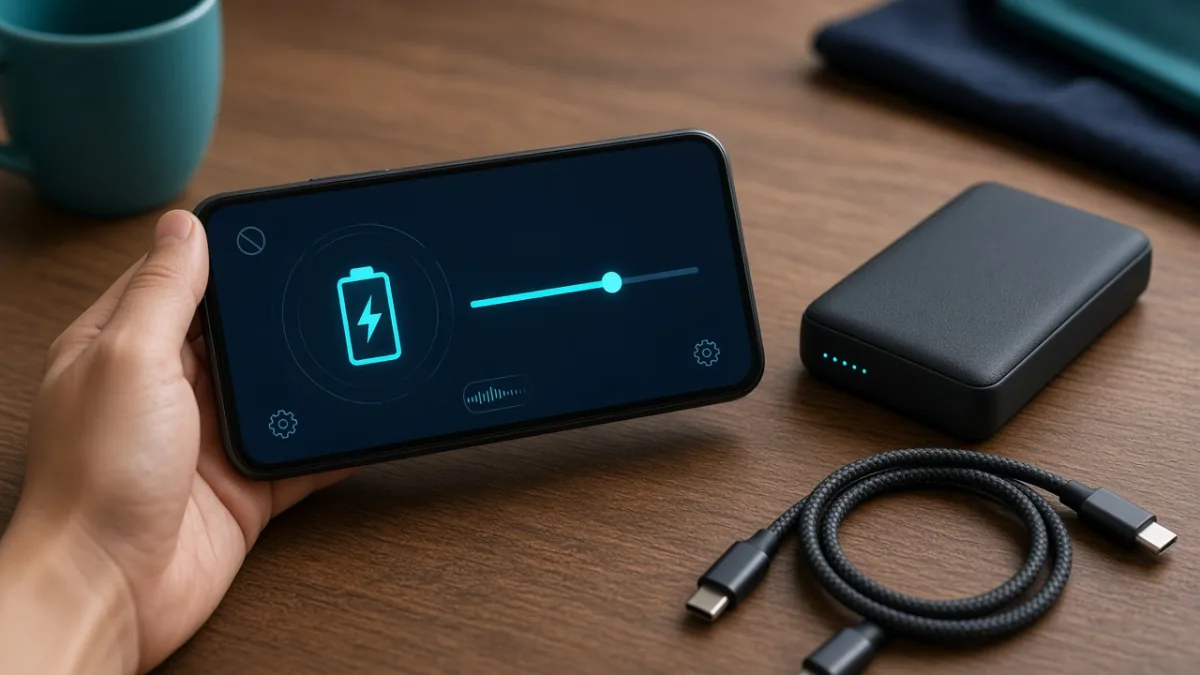
Mobile Game Battery Saving Tips for Android & iPhone: Play Longer, Stay Cooler

Heavy mobile games push your screen, graphics processor (GPU), network modem, and battery at the same time—turning energy into heat and fast percentage drops. By lowering in-game graphics one step, capping the frame rate at 60 FPS, dimming screen brightness, and taking off thick cases before long sessions, you can extend play time and prevent thermal throttling on both Android and iPhone.

By Mo YF · 3 min read

Gaming & Mobile Games

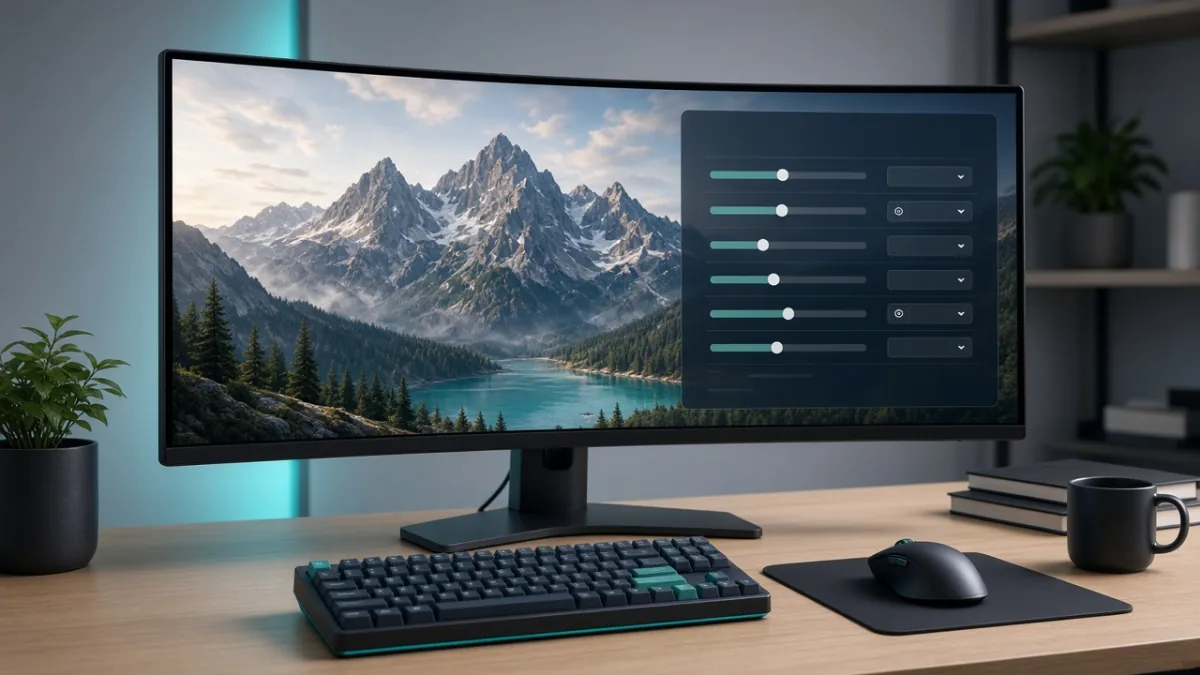
PC Gaming Graphics Settings Explained: What to Lower First for Higher FPS

If a PC game stutters or runs at a low frame rate, you do not need to set every graphics slider to Low and make the game look blurry. By turning off or lowering the heaviest GPU hogs first—such as Ray Tracing, Ultra Shadows, and Volumetric Fog—while keeping native resolution and high textures (as long as your VRAM allows), you can boost FPS dramatically with almost no visible loss in sharpness.

By Mo YF · 3 min read

VPN & Privacy

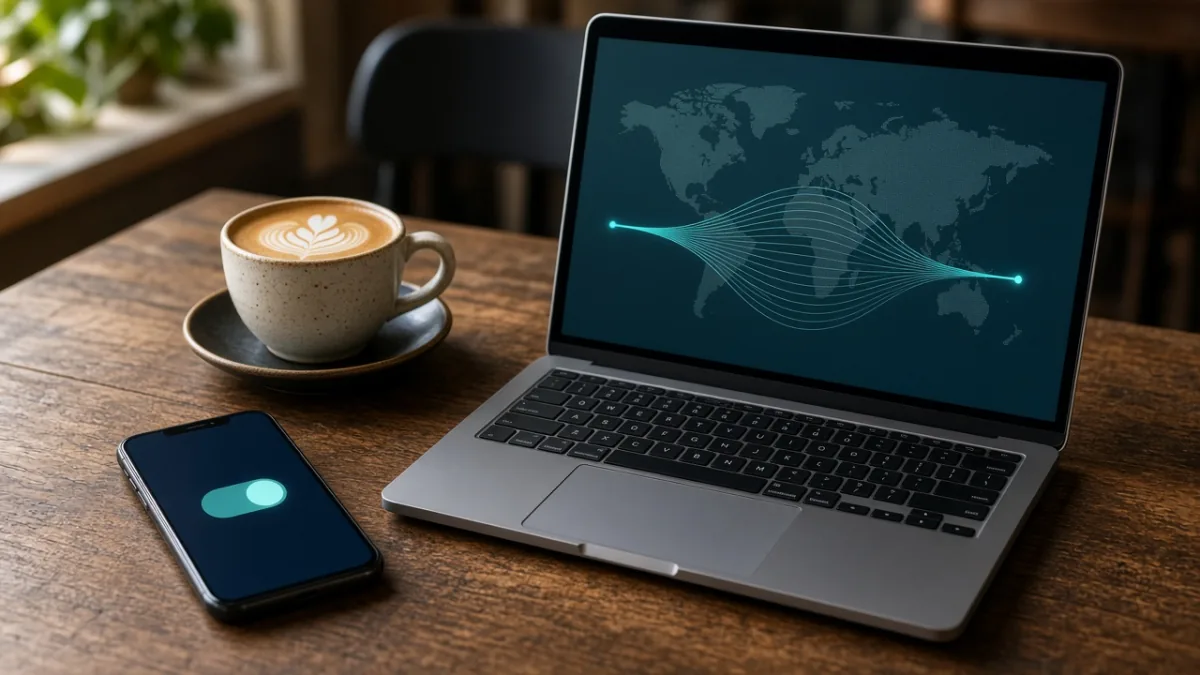
When to Use a VPN (and When Not To): Benefits, Limits & Setup

A VPN (Virtual Private Network) encrypts traffic between your device and a remote VPN server and masks your home or mobile IP address from destination websites. It is a practical tool for untrusted public Wi-Fi, reducing local ISP visibility, and remote work access—but it does not make you completely anonymous or stop phishing, malware, or cookie tracking.

By Mo YF · 4 min read